What's New

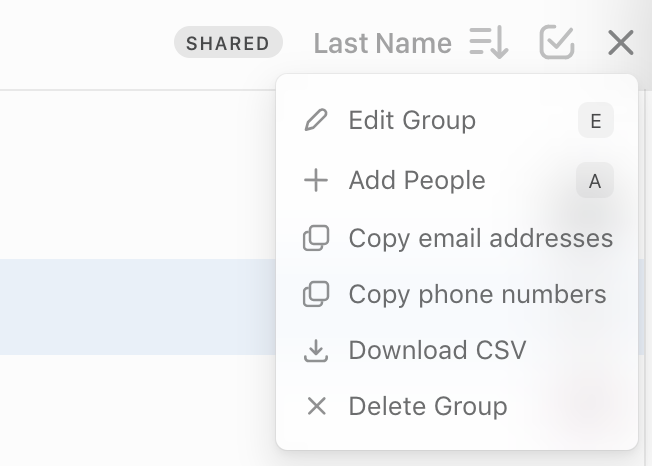
Easily share your groups via CSV export

We're excited to announce a new feature that makes it even easier to use your Clay data in other tools.

Now you can export any of your Clay groups as a CSV file with just a few clicks. This allows you to easily import your carefully curated Clay groups into other services like email marketing tools without exporting all your contacts.

To export a Group, click the "more" menu in the top right and tap "Download CSV". As always, you can export all your Clay contacts in Settings.

✨ Fixes & Improvements

  • πŸ–₯️ Show last login method on login page to make it easier to remember how you previously logged in
  • πŸ–₯️ Sort direction now works for "Relevance" sorting in all views
  • πŸ–₯️ Home view preview that appears on nav item hover now has background properly applied in Firefox and Safari
  • πŸ–₯️ Sidebar Contact avatar rendering issues fixed in Safari by removing background blur
  • πŸ–₯️ Link underlines on Post items shown in Home are now properly aligned in Firefox and Safari
  • πŸ–₯️ Fix inaccurate sorting race condition when choosing a non-default sort option
  • πŸ–₯️ Hide multiple scrollbars in Firefox


Gravatar enhanced Clay profiles

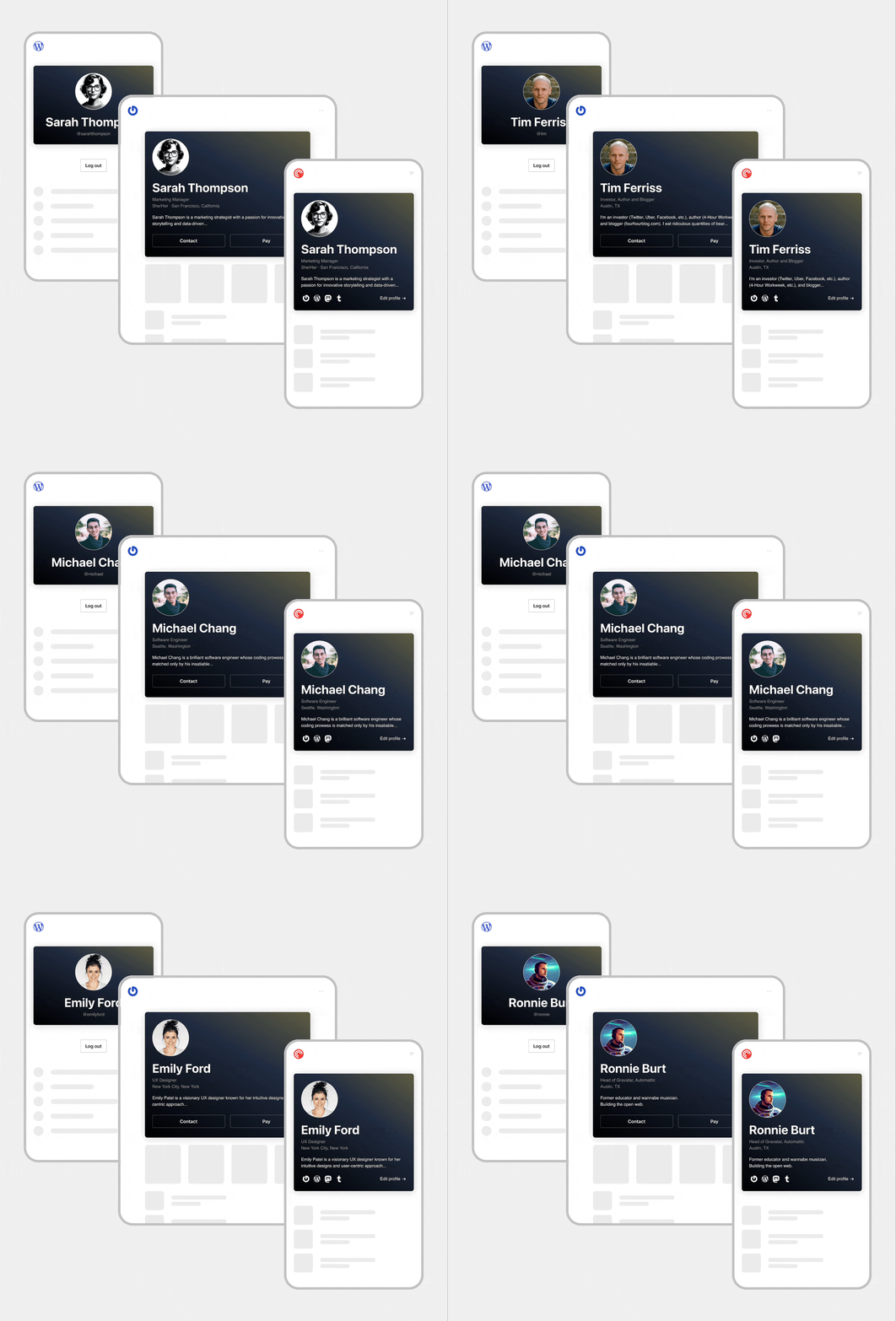
We’re excited to partner up with our friends over at Automattic to bring the power of Gravatar to enhance all your Clay profiles.

Gravatar + Clay

With more than 200 million profiles, Gravatar is a public and open service that lets you customize and control your online profile. Set your avatar, bio, and social links, and your Gravatar profile will show up across the web β€” and now in Clay.

Clay will now use Gravatar as a first class resource so all your Clay profiles will have the most up to date information about your network.

Automattic has been leading the charge on making the web a better place for humanity and we at Clay share those core values. Gravatar has been powering online profiles for over 2 decadesβ€”you can edit your own Gravatar profile here!

✨ Fixes & Improvements

  • πŸ–₯️ Displayed current sorting option next to sort menu icon in list views
  • πŸ–₯️ Added clickable reconnect cadence badge on contact profiles
  • πŸ–₯️ Introduced success toast when starring/unstarring contacts
  • πŸ–₯️ Highlighted "add a note/reminder/mention" button on contact profiles
  • πŸ–₯️ Reorganized action buttons in contact profile headers
  • πŸ–₯️ Include a "select all" label in the tooltip for the select-all button
  • πŸ–₯️ Update styles on sorting menu toggle display
  • πŸ–₯️ Matched "new note" button color with existing inactive notes
  • πŸ–₯️ Prevented active note from appearing behind "new note" button


Clay + Notion

We're excited to launch one of our most requested integrations for Clay everβ€”Notion.

Many of you use Notion as your second brain for work and personal projects. It's where ideas come to life, teams collaborate, and knowledge is stored. Now, we're bringing the power of Clay's relationship management directly into your Notion workspace.

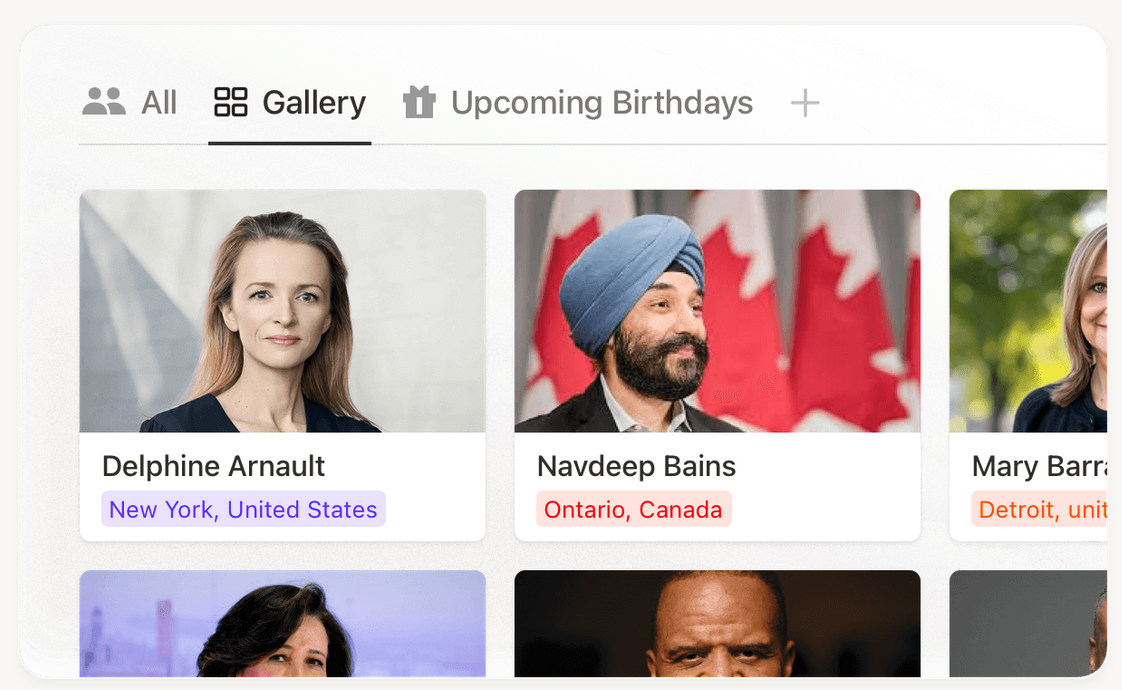
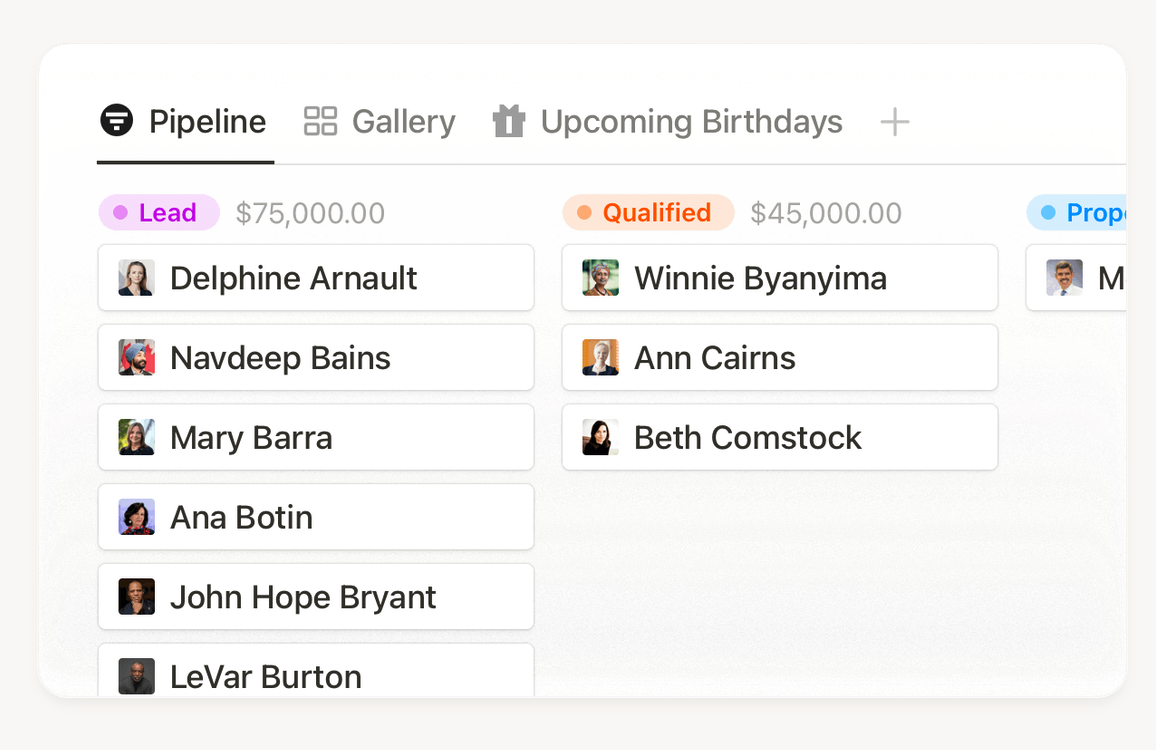
Clay's Notion integration creates a comprehensive database of your entire network right in Notion β€” in just one click. Now you can reference contacts from email, calendar, LinkedIn, iMessage, WhatsApp, and more alongside all your other Notion pages and databases.

Clay keeps your contact information up-to-date in real-time, enriching profiles with beautiful avatar photos, job information, social media links, and fields like Last Contacted and Connection Strength. We've also included pre-set filters and views to help you quickly access information like upcoming birthdays or contacts by city. Customize the perfect dashboard or view for you or your team. Plus, you can use the powerful Notion AI to ask questions about your network.

Some examples of how people are already using it:

πŸŽ‰ Create party guest lists
πŸ“¬ Organize holiday card mailing lists
πŸŽ‚ Build a birthday tracker with gift ideas
πŸ’Ό Develop a team CRM for sales and marketing
πŸ‘₯ Manage job candidates and resumes
πŸ’° Organize investors and mentors for fundraising

As always, all information is processed privately and securely. Clay respects your data and privacy, ensuring that your personal and professional connections remain protected.

Our Notion integration is live now across all platforms! Visit Settings to get started, and learn more at our Library page here.


Add people and notes with ChatGPT

We're bringing a few big improvements to our ChatGPT integration, plus a number of stability improvements and fixes to our brand new integration catalog.

ChatGPT becomes your perfect assistant

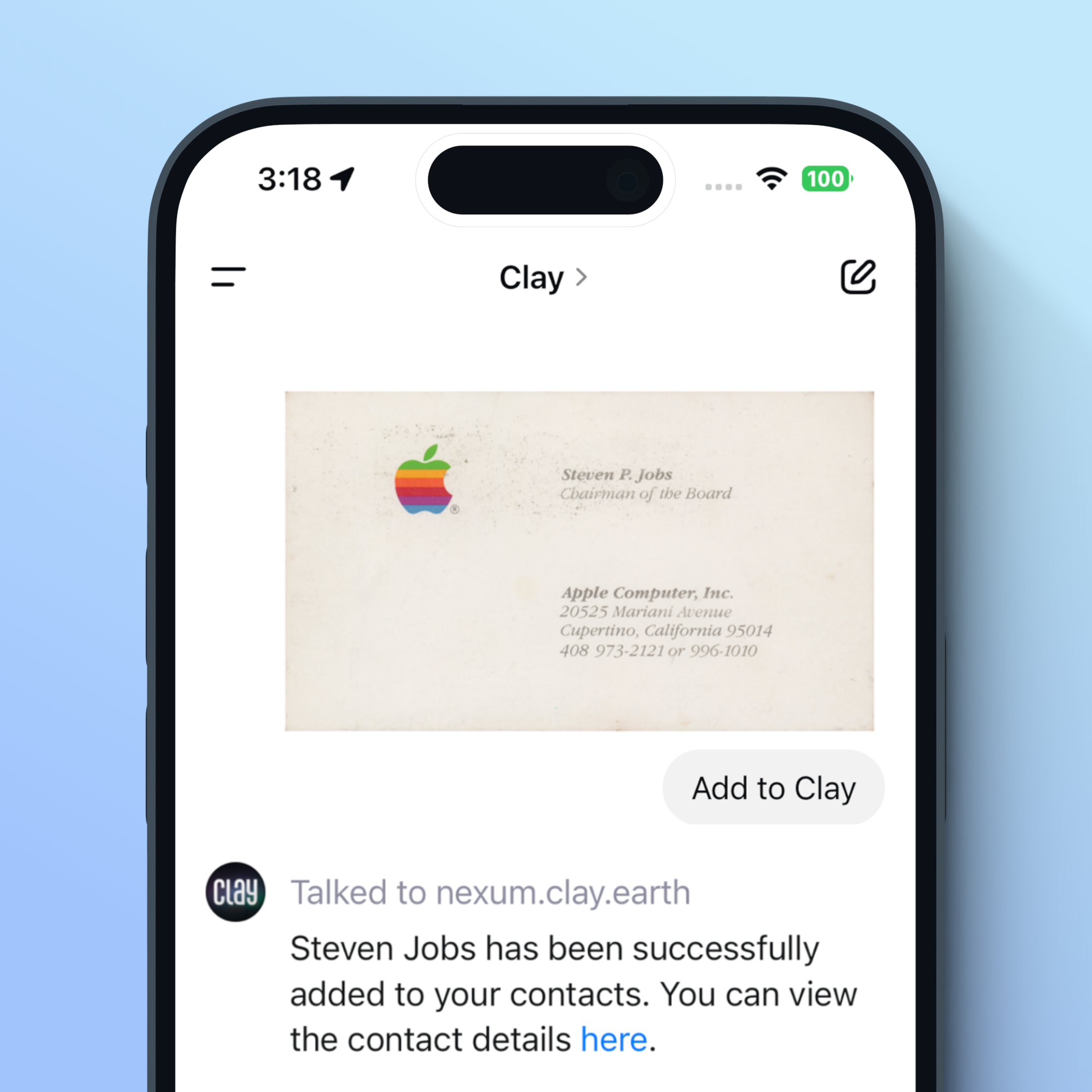
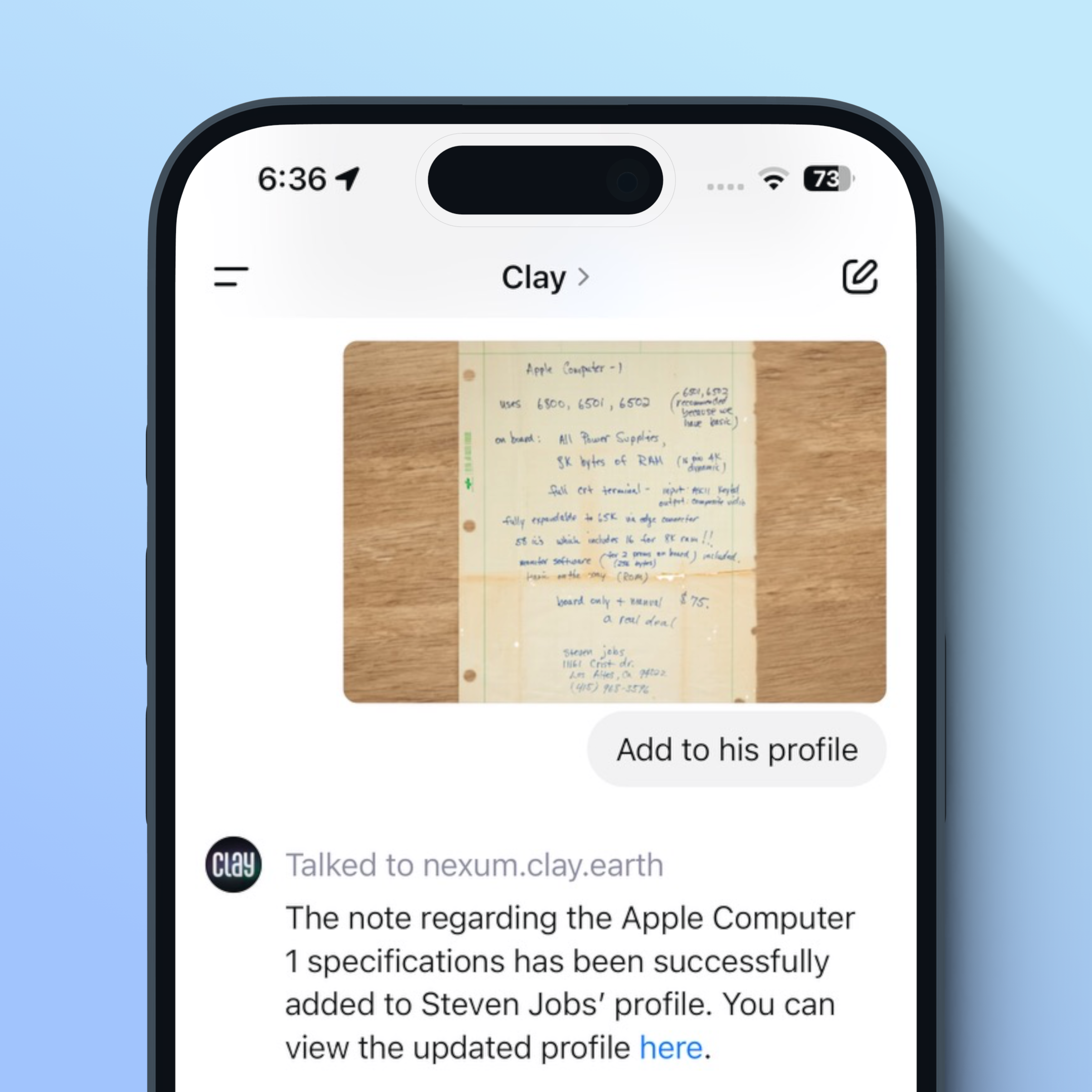
We've updated our Clay GPT with the ability to add people and notes! ChatGPT becomes the perfect assistant with Clay, and extends ChatGPT's powerful voice, photo, text, and reasoning capabilities with Clay context and information.

This means you can build even more powerful workflows, like adding business cards on the go with perfect OCR transcription:

Or add notes from a notebook after a meeting:

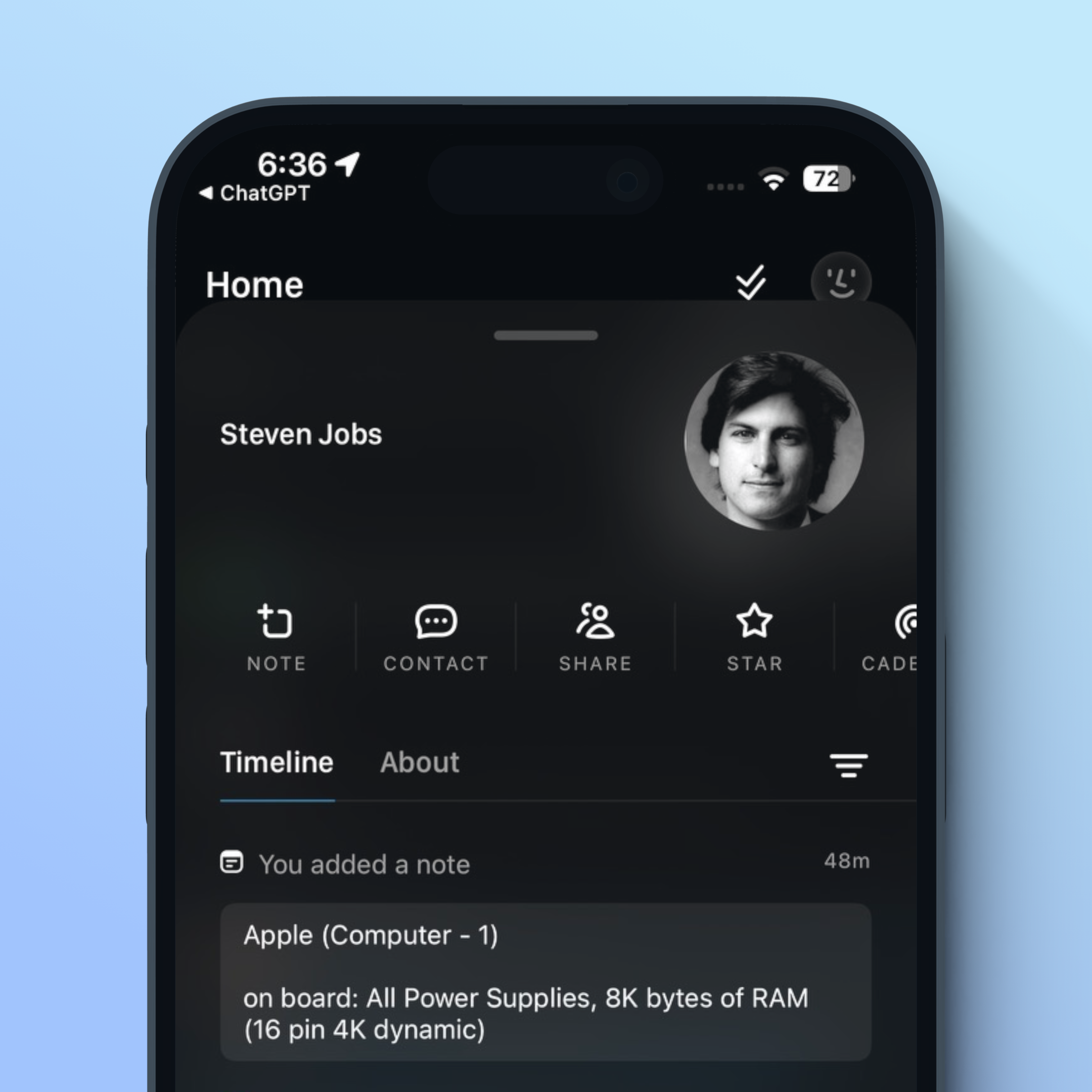
With everything immediately populating in Clay:

These changes are available now in the Clay GPT, and are the first of many Nexus-related releases we have coming in the next quarter.

✨ Fixes & Improvements

  • πŸ“± Added basic oauth support, redirect to the browser

  • πŸ“± Fixed a note editor overflow issue

  • πŸ“± Fixed the loading indicator for the Zapier info view

  • πŸ–₯️ Start page for new members is now redesigned with light and dark modes

  • πŸ–₯️ Fixed an issue where search snippets might not match the current search result

  • πŸ–₯️ Always use dark mode for "unsupported integration" modals in onboarding


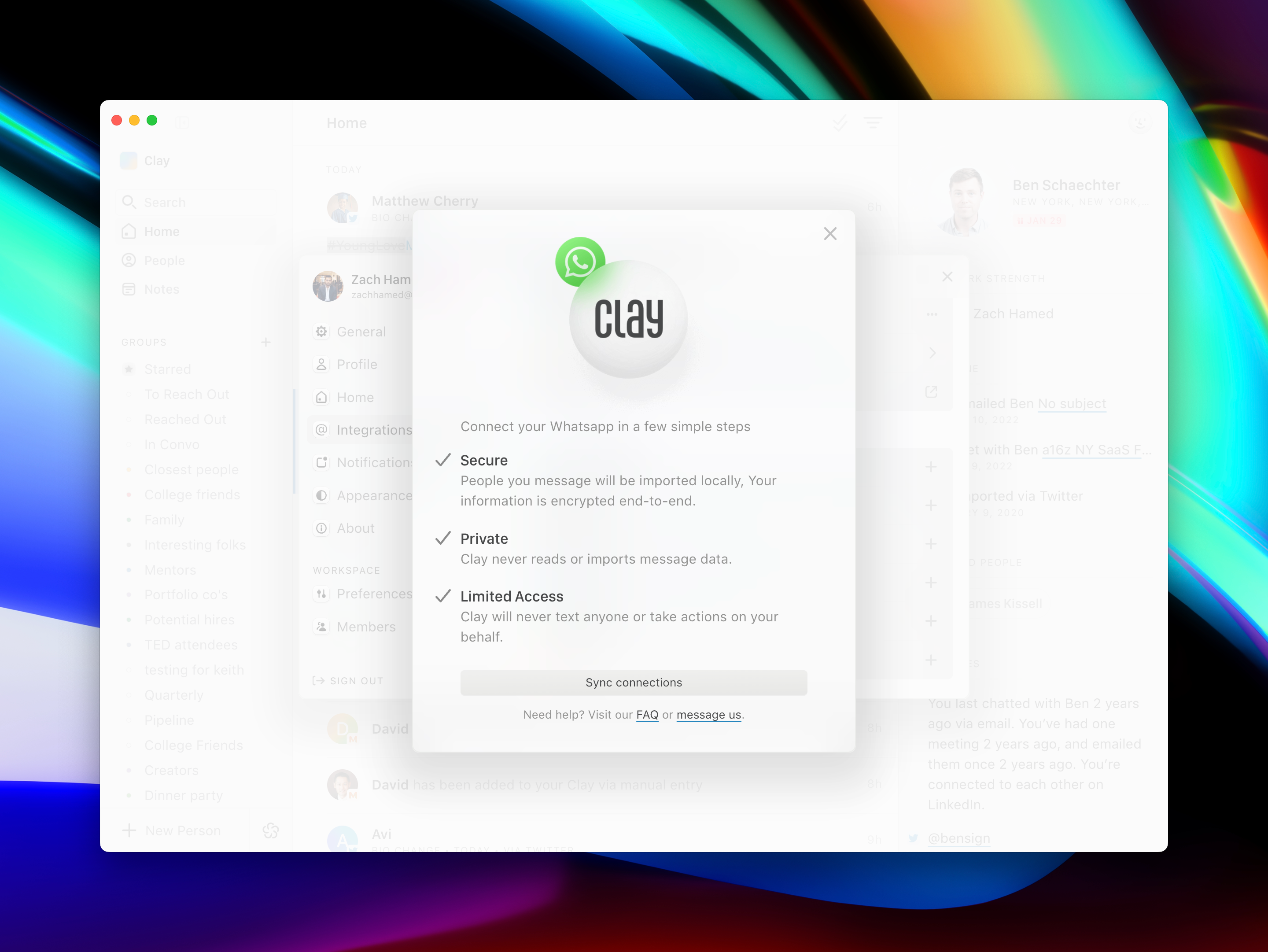
Clay πŸ’š WhatsApp

We're excited to launch one of our most requested integrations for Clay everβ€”WhatsApp.

Many of you use WhatsApp to communicate with close colleagues, friends, and family. So much so that they brought together the cast of the popular show Modern Family to emphasize the point:

WhatsApp is increasingly where new people become professional acquaintances, and professional acquaintances become personal friends. Now you can add the most important people in your life to Clay from WhatsApp in one seamless integration.

Clay's WhatsApp integration creates profiles for your entire WhatsApp network, so you can take notes, set reminders, and search for them in Clay, alongside everyone else you know. Clay also syncs messages from WhatsApp in the Timeline for your connections, so you always know when you messaged someone. Of course, Clay will continue to enrich profiles with beautiful avatar photos, bio information, and more.

As always, all information is processed privately and securely right on your device. Clay never accesses your WhatsApp login, and never stores or reads message content.

Our WhatsApp integration is live now across Mac and Windows, with iOS coming soon.


Clay is now SOC 2 certified (and one more thing...)

We’re pleased to expand our commitment to privacy and security by announcing the completion of Clay's SOC 2 Type II audit.

The SOC 2 information security audit provides an objective external assessment and report on Clay's security practices. It assures you that your Clay account adheres to the highest availability and security standards.

These important measures enable us to provide products to more customers, including those in financial services, healthcare, and other regulated industries.

The evaluation is based on five Trust Services Criteria developed by the American Institute of Certified Public Accountants (AICPA):

  • Security: ensuring information is shielded from unauthorized access and other vulnerabilities
  • Availability: maintaining consistent uptime and accessibility of services
  • Processing Integrity: ensuring systems operate as intended
  • Confidentiality: protecting confidential information by limiting access, use, and storage
  • Privacy: safeguarding personal information against unauthorized access

Following an extensive review process, Clay's certifications were granted without exceptions or qualified opinions by a certified independent auditor, reinforcing our comprehensive commitment to safeguards throughout the company.

If a SOC2 was a requirement to use Clay with your work accounts or within your organization, please email us!

One more thing...

Clay got a fun shoutout during the main Apple Keynote (WWDC) this week! We’re thankful that we can celebrate this milestone because of you.


Introducing the Clay Integrations Catalog

Fresh off our Address Book release last week, we're excited to introduce the Clay Integrations Catalog.

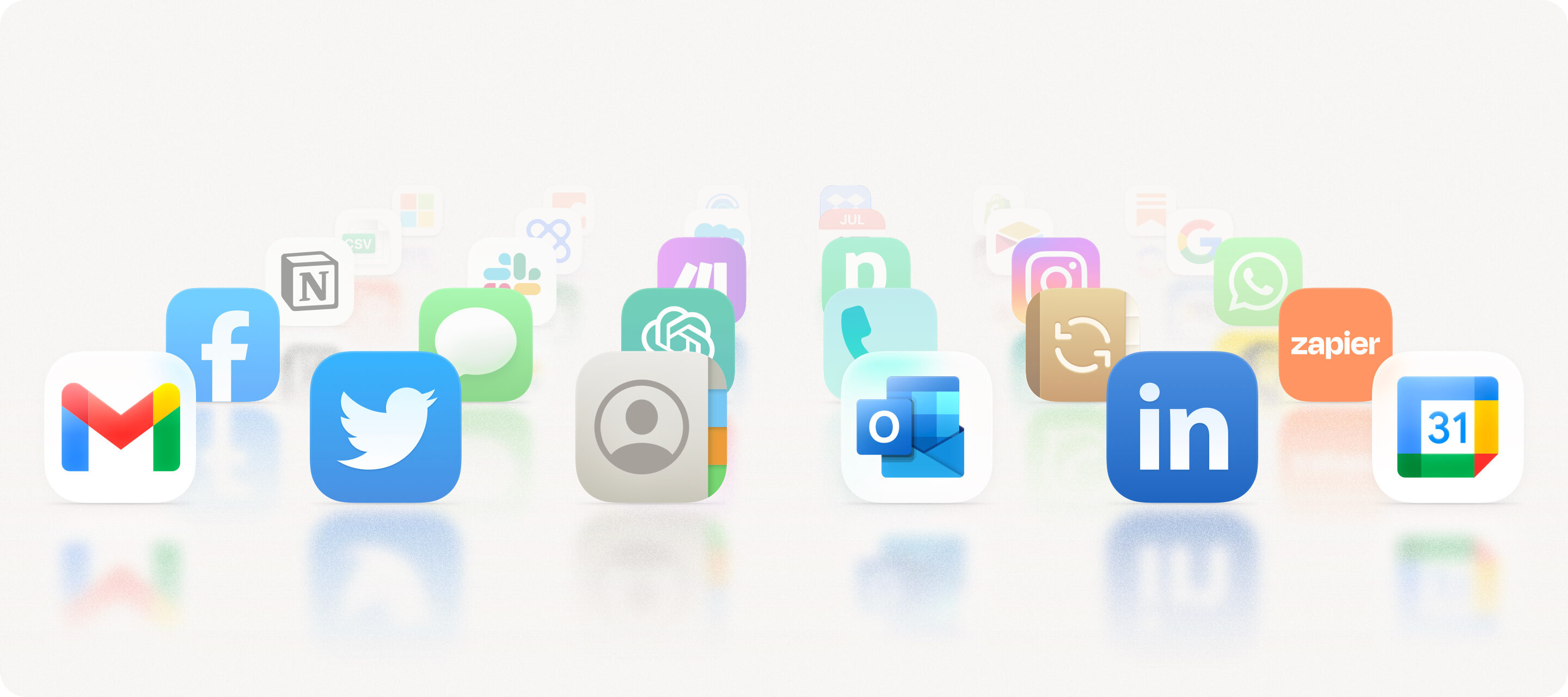
Since we started Clay, our goal was to help you get your network into your favorite tools. Clay now has integrations with the top communications and productivity apps globally, and we're just getting started. (What's app next? Stay tuned πŸ˜‰)

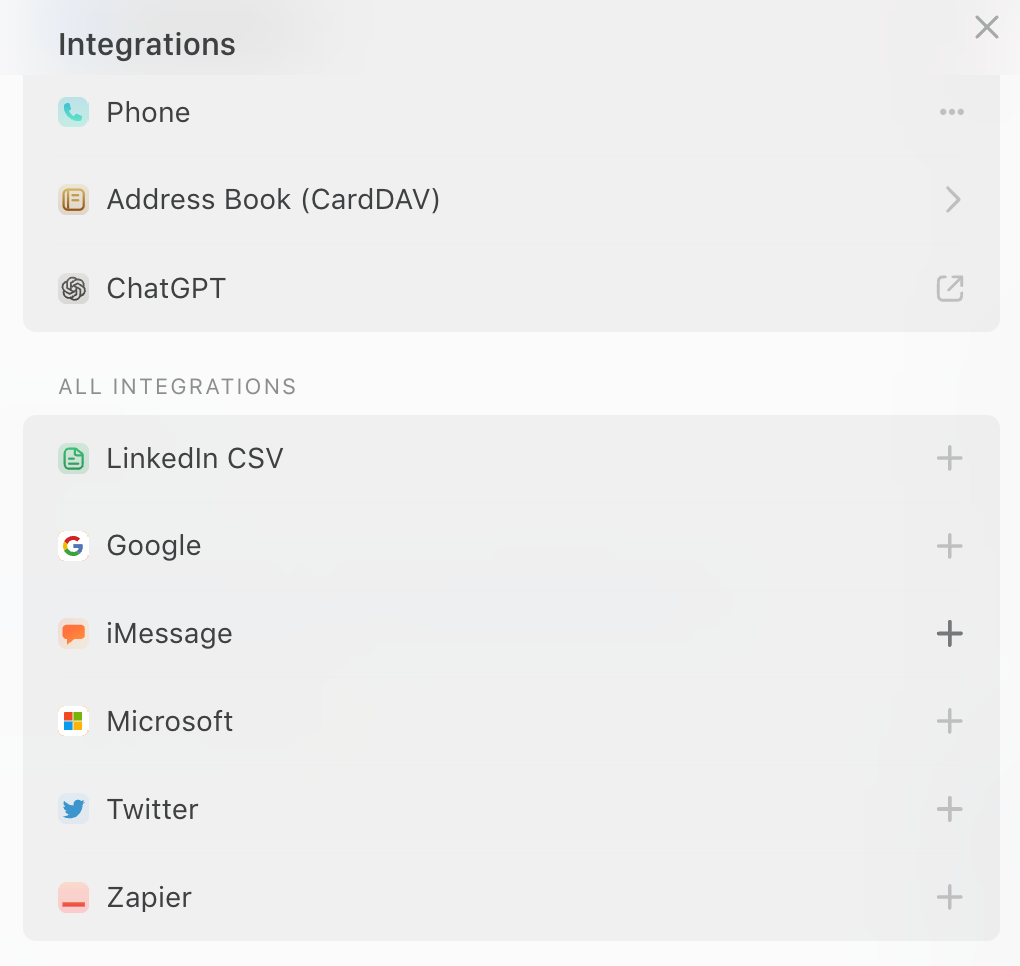
Our new Integrations Catalog centralizes information on all of the products and services Clay supports. Import people from social media, connect Clay to Zapier, add your people to your address book β€” and so much more.

This beautiful new catalog will allow all of you to see what we’re working on in realtime and request any integrations you might want to see us support.

Finally, we’ve redesigned the Integrations section in Settings to show sync status more clearly and share more info about all of our supported integrations.


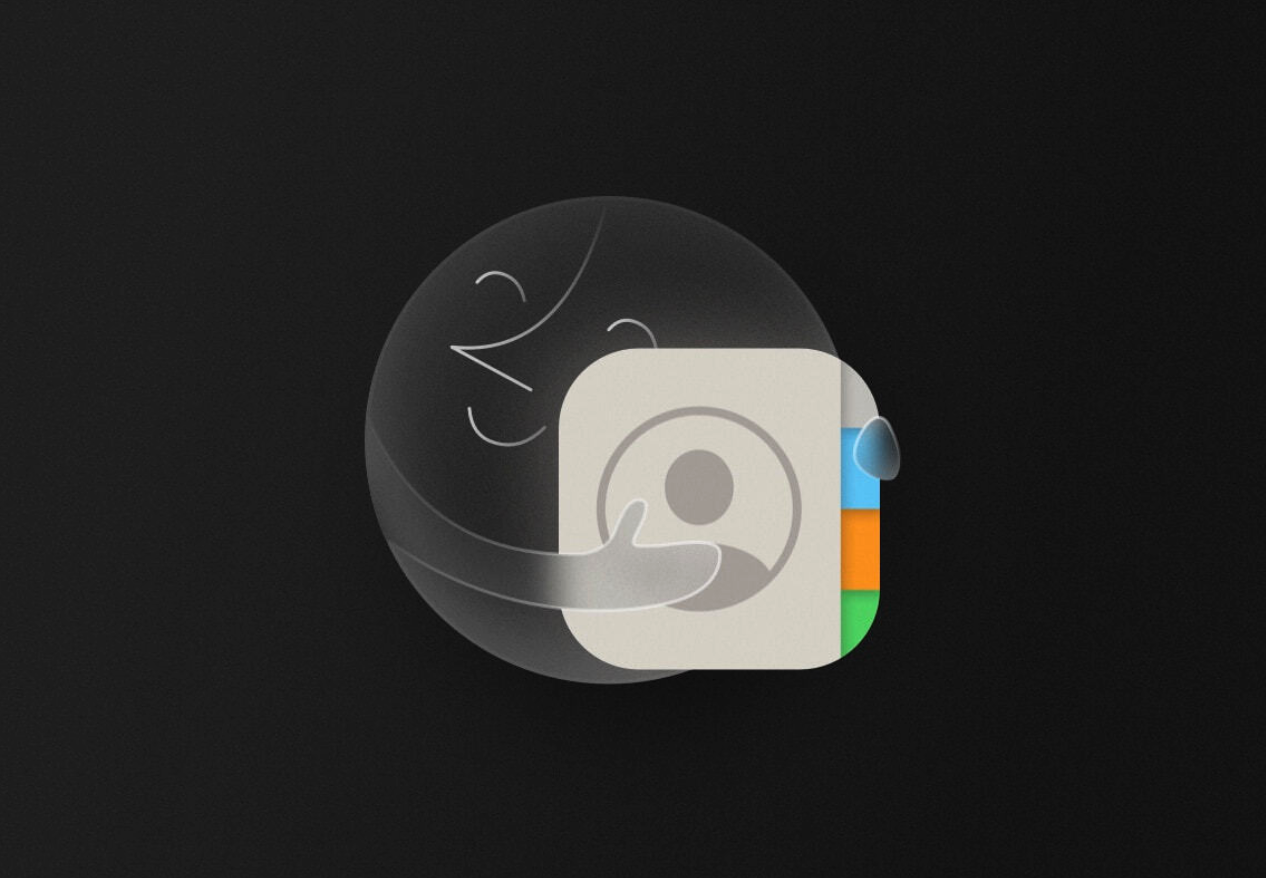
Major Release: 2-Way Address Book Sync

CleanShot 2024-07-31 at 15.20.29@2x.png

We're giving you an early preview at 2-way native address book syncing. This is powered by our brand-new sync engine which will also power several exciting upcoming features.

Introducing 2-way Address Book Sync

Many Clay members now use Clay as their primary address book, but our goal has always been to give you access to those relationships where you need them the most. Today, we're excited to introduce a big first step in that vision.

Now, you can add Clay to your phone or computer as a secondary address book, so your entire network is displayed seamlessly alongside your other contacts. This means:

  • New contacts you add on your phone or computer will immediately be added to Clay
  • Changes you make in Clay will display on your phone, computer, or other applications

Getting Started

To get started, go to Settings > Integrations > Integrate Clay with Other Services. You'll see a special email address and password for your new Clay address book. You can then add that account as a new address book on your phone, computer, or any service that allows for external CardDAV connections. For more details, visit our Library page here.

Clay now works anywhere CardDAV is supported, including operating systems like Mac, Windows, Linux, and Android; address books like Apple Contacts and Outlook; and third party apps like Raycast and Alfred.

This enables a whole set of powerful new workflows with Clay:

Siri gets superpowers

After adding Clay to your phone, anyone in Clay will be available to Siri and the rest of the Apple ecosystemβ€” so you can call, text, or email someone with CarPlay, for example.

Avatars for everyone

Clay will sync avatars for everyone to your phone or laptop, so as many contacts as possible will display beautifully with the person's latest photo.

Bi-directional notes

Adding notes to someone on your address book will now show up in Clay, so you can jot down how you know someone when adding their contact information anywhere.

Deeper OS-level integrations

By having Clay contacts in your system address book, Clay contacts can be used across the operating system. Many email apps use the system address book for autocomplete, for example. And third party apps like Raycast, Alfred, etc. will be able to search on your contacts automatically.

A unified social graph (finally)

If you've ever wanted to have everyone you know across all major platforms in one place you can now easily look up all your relationships across Twitter, LinkedIn and Facebook.

ℹ️ FAQs

What happens to my existing phone contacts? Because it's a separate address book, Clay never modifies your other contacts. We've heard horror stories of other apps editing or deleting contacts by mistake, and that will never happen with Clay.

Does this support every field type? 2-way sync works with all fields Clay supports today, including things like avatars, birthdays, and notes. We're working to expand support to custom field types and ensure that all operations (create, edit, and delete) work across each field.

How long will it take to set up? Once you generate a password, you can add it to your phone or computer immediately. It may take several minutes for contacts to process and begin showing up, depending on how many people you have in Clay.

What does this new sync engine enable? Clay will soon be able to sync your entire network anywhere you might want it. In a nutshell, this will allow us to become the people layer in any workflow you can dream up. We're excited to share more soon!

✨ Fixes & Improvements

  • πŸ“± Added LinkedIn profile importing
  • πŸ“± Fixed an issue with the reminder picker when composing a new note
  • πŸ“± Added a tap gesture to the contact import avatars
  • πŸ“± Fixed a timeline fetch crash
  • πŸ“± Tab title change: Profile Settings -> Manage Profile
  • πŸ–₯️ Contact caching improvements. We're now respecting the `@timestamp` value for contact data more comprehensively
  • πŸ–₯️ Don't render contact action icons for rows rendered in the Home preview
  • πŸ–₯️ Ensure there is no "selected contact" gap between when a contact is hovered in a list view and when that contact's profile loads after a click on the contact's row
  • πŸ–₯️ Make entire Group title "input/" clickable in Mac desktop app
  • πŸ–₯️ Force dark mode on all onboarding modals


Personalized Note Labels

🏷️ Introducing Note Labels

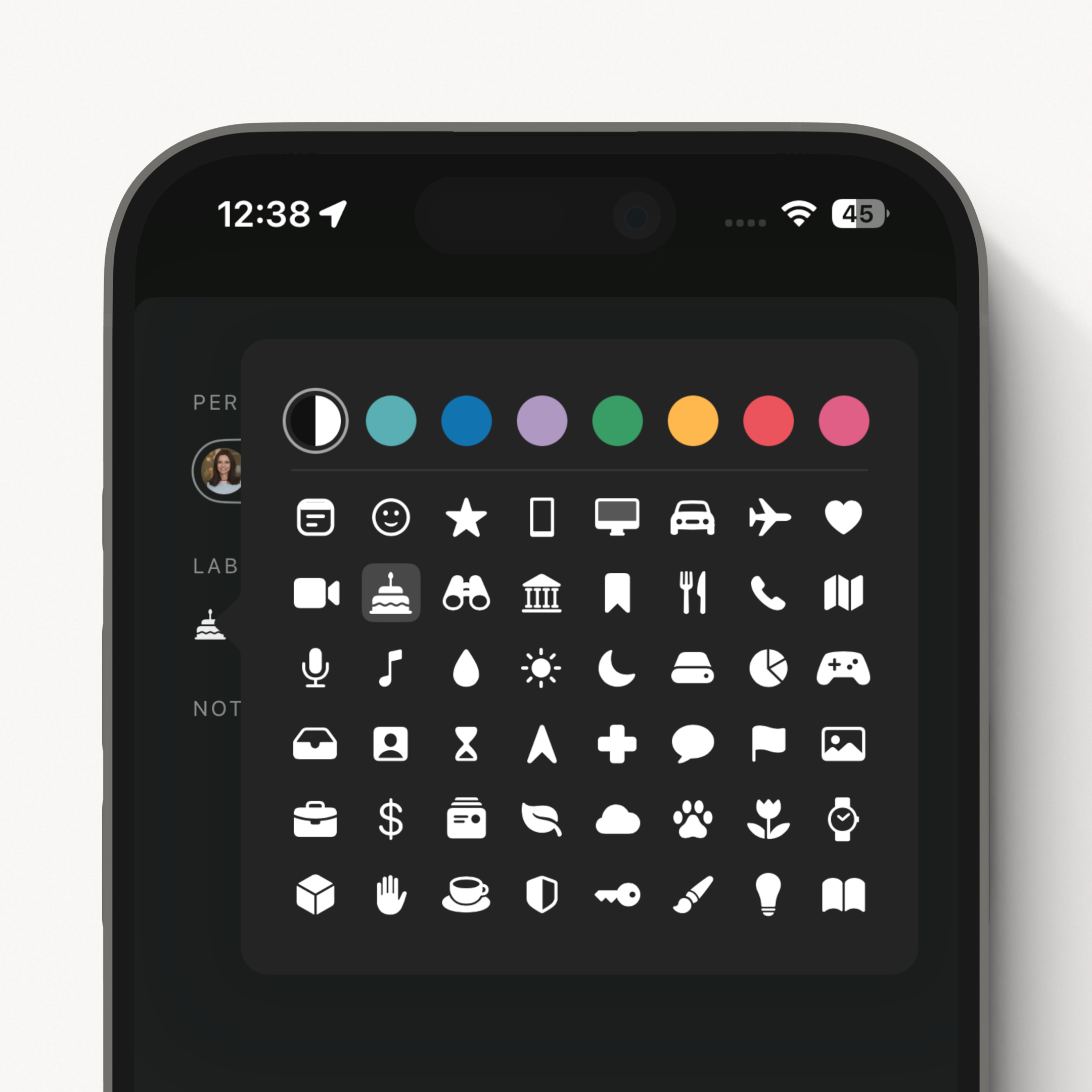
Many of you are voracious notetakers and wanted more control over the note experience. Now you can choose from a delightful set of icons and colors to craft the perfect label for your notes. This greatly improves the browsing experience throughout Clay:

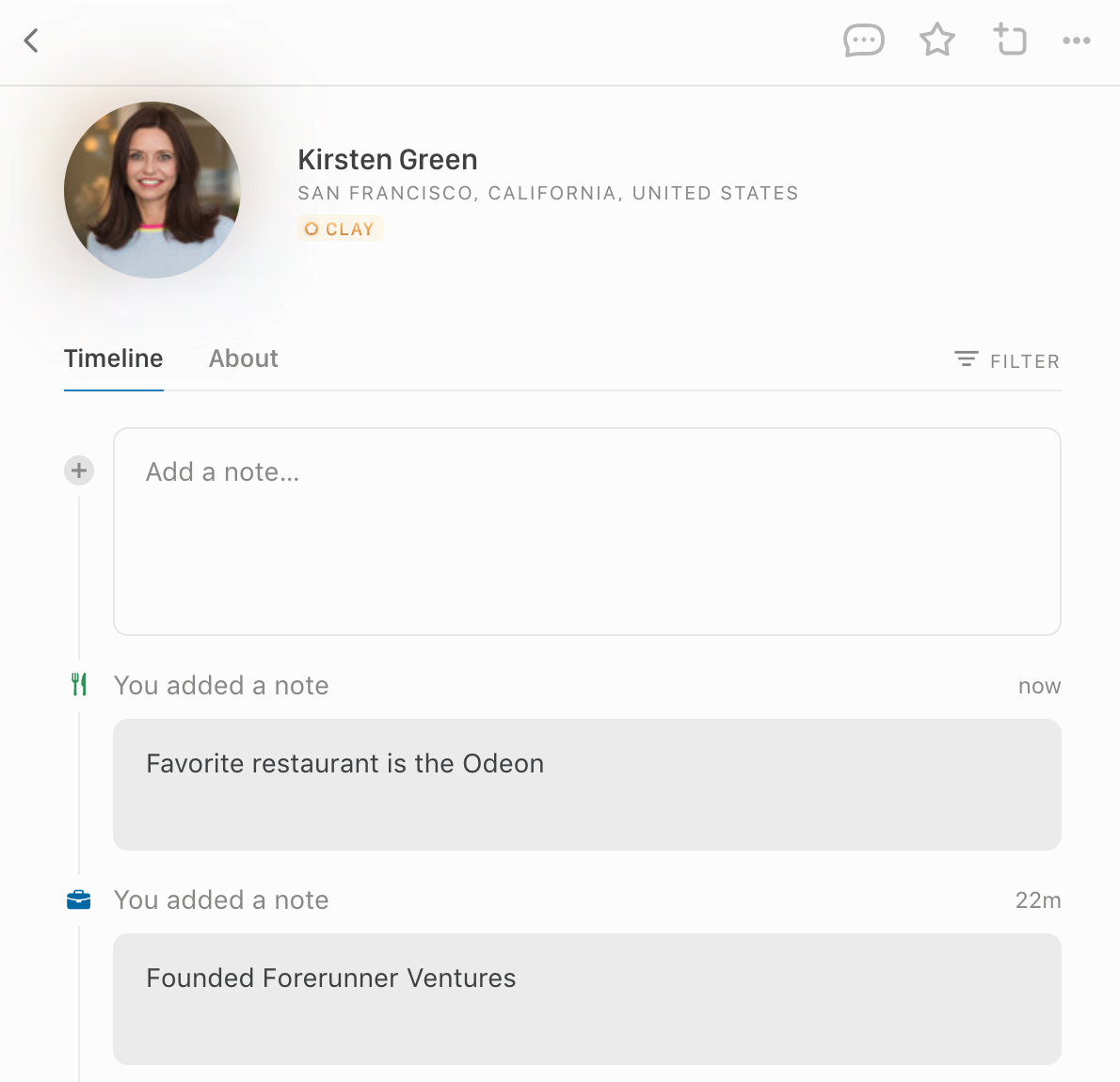
They appear beautifully in the Notes view as well, making it easy to skim the notes you've taken and what they're about:

Use note labels to remember someone's favorite foods, where you met them, or what gifts you've given them. You can also use note labels as a custom moment when you interact with someone outside of Clay.

For now note labels are for organization, but we have a set of enhancements coming to make them even more powerful. Note labels are available on desktop and web, and in our updated iOS app out today.

✨ Fixes & Improvements

  • πŸ“± Update minimum iOS version to 16.4
  • πŸ–₯️ Various performance improvements


Small yet mighty improvements

🎁 Upcoming Birthdays

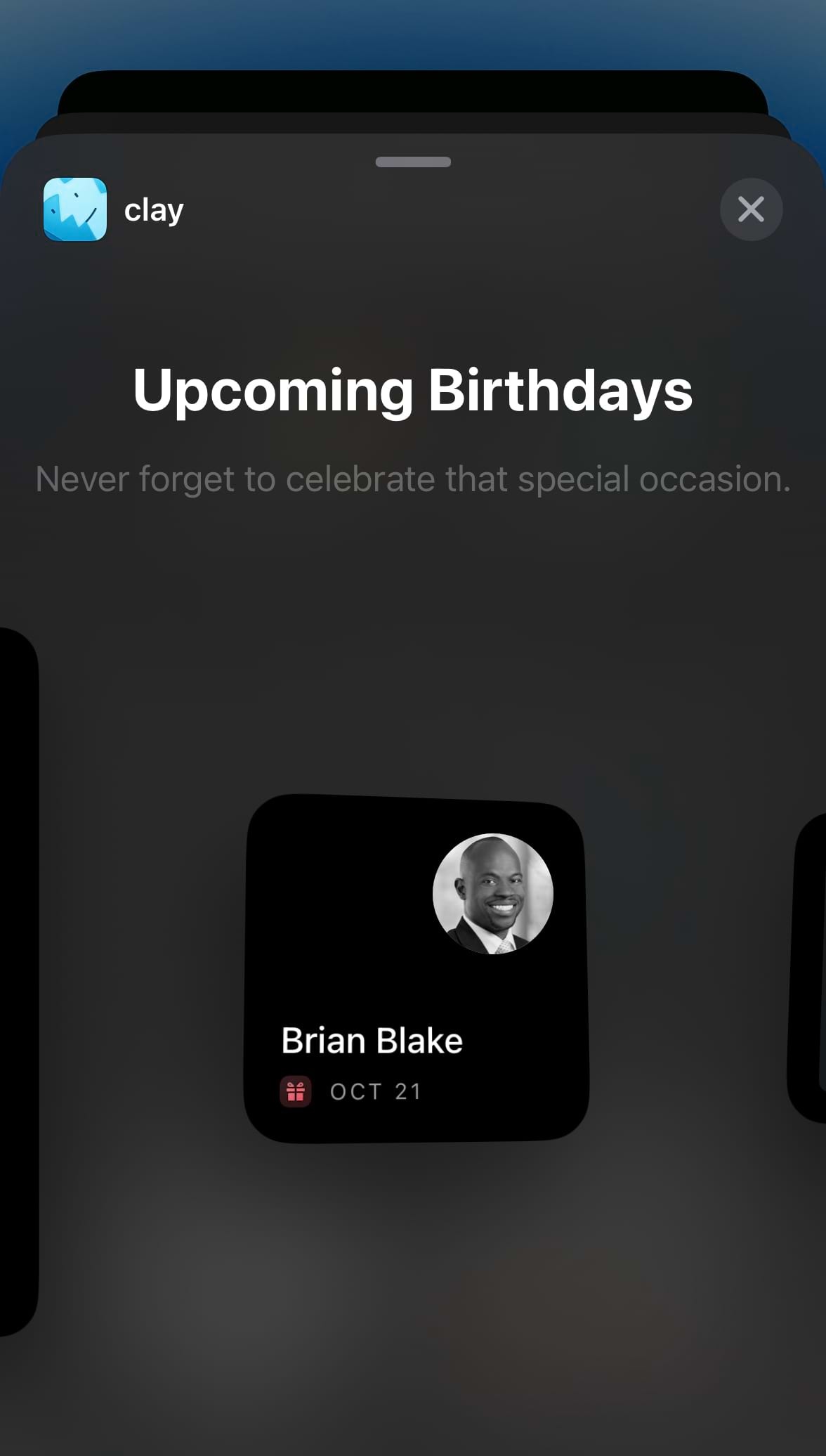
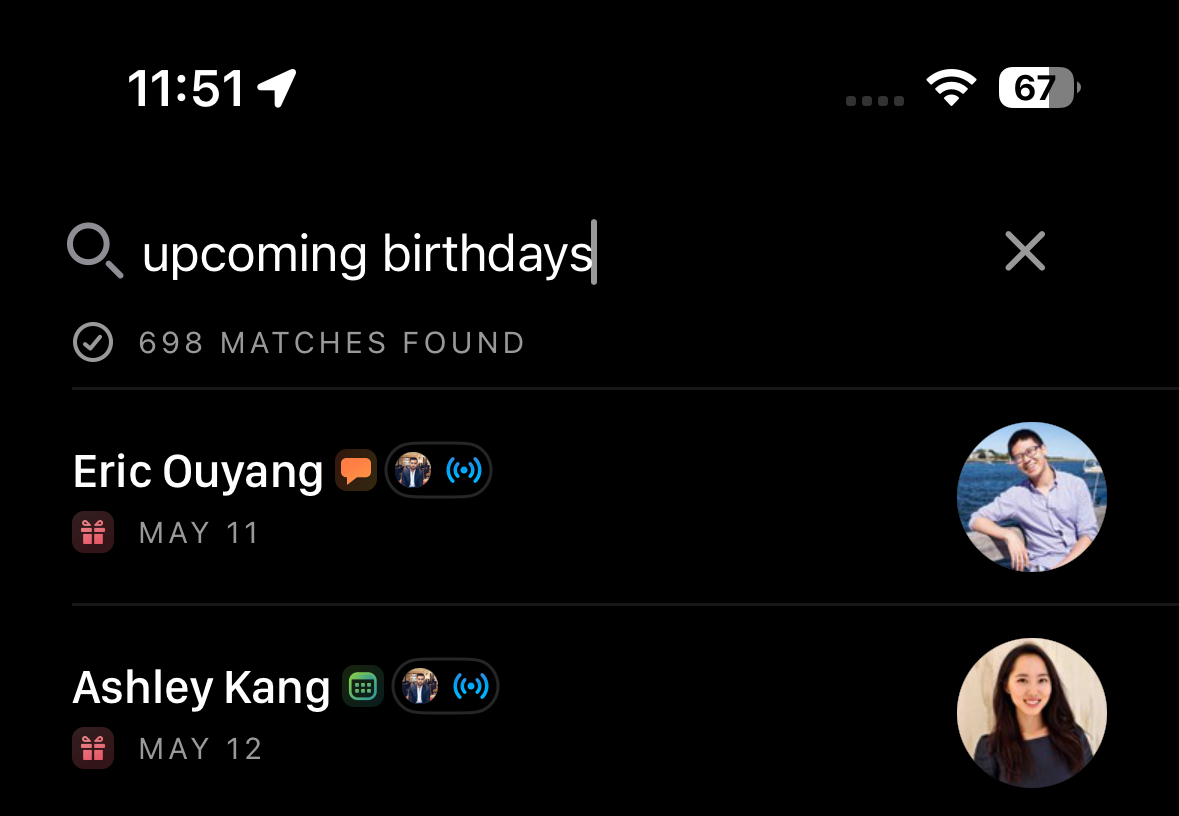
We've added a search term for upcoming birthdays, and display each person's birthday so you can quickly see them at a glance. We've also added a new iOS Upcoming Birthdays widget so you're always prepared for an upcoming birthday.

⌨️ Switch Groups with Keyboard Shortcuts

With our release of Group Highlights last week, many of you asked for a faster way to switch between Groups. Now you can navigate the entire sidebar on desktop and web with βŒ˜β†‘ and βŒ˜β†“ (or control on Windows). Switch from Home to the People view, or navigate between Groups quickly.

We've also added keyboard shortcuts to toggle between the members of a Group and Group Highlights. Hit 1 to view a Group's members, or 2 to view a Group's Highlights.

πŸ‘₯ A Group for Everyone

Many Clay members use Groups exhaustively, and want every profile in Clay to be in at least one Group. So we added a search term for Groups, group:none, that looks for people who aren't in a Group. It's another easy way to organize everyone in Clay.

And as a reminder, you can search for people in a particular Group with the same pattern, like group:Mentors or group:"Potential hires".

✨ Fixes & Improvements

  • πŸ–₯️ Updates to groups (adding and removing contacts) are no longer blocking operations, making the UX much snappier
  • πŸ–₯️ Improved status messaging for Integrations
  • πŸ–₯️ First member in a group is now properly selected when the group contacts load
  • πŸ–₯️ Group in navigation sidebar is now highlighted when app is on a /group/:id/highlights view
  • πŸ–₯️ Improved loading of Starred group
  • πŸ–₯️ Improved rendering of Home and Activity items that have special formatting
  • πŸ“± Improved how widgets load data


Introducing Group Highlights

πŸ‘―β€β™€οΈ Group Highlights

How it works
Groups are one of the fastest ways to organize the people you know in Clay, and today we're making them much more powerful β€” introducing Group Highlights.

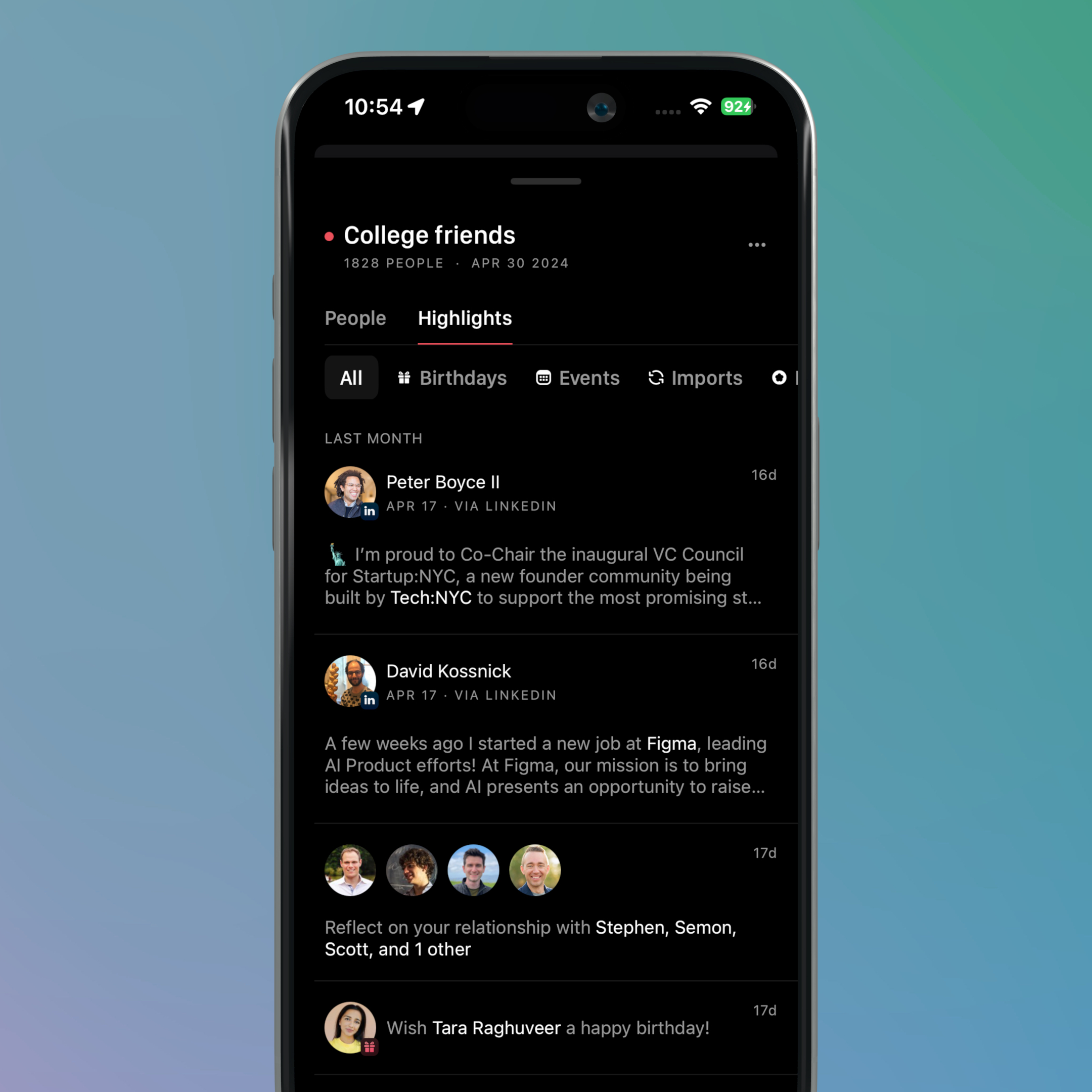
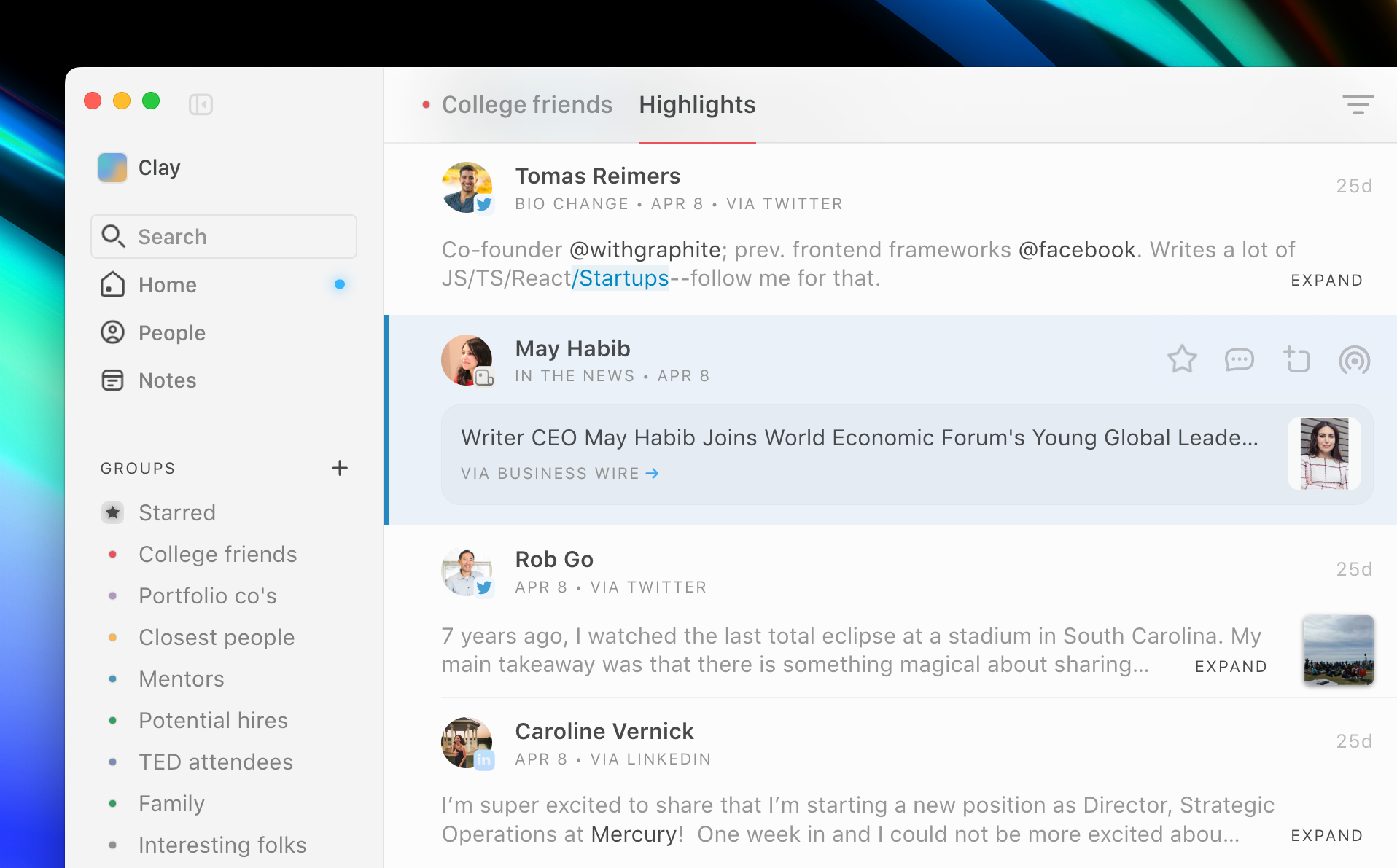
When viewing a Group, you'll see a new tab called Highlights that shows a filtered view of the Home feed, only showing updates for people in that Group. You can filter the updates by type, just like you can in Home. Catch up on news, remember birthdays, and get reminded to reconnect, all in one place.

Group highlights are live across desktop, web, and iOS!

Cut through the noise
You can now meaningfully curate updates from specific groups and networks. This unlocks a much more focused experience within Clay, helping you cut through the noise. This update alongside our Home view allows you to understand all your relationships, across social networks, at both the macro and micro level.

Here are some suggestions from the Clay team to help you get started:

  • Closest people
  • Portfolio companies
  • Mentors
  • Potential hires
  • Event attendees
  • Family

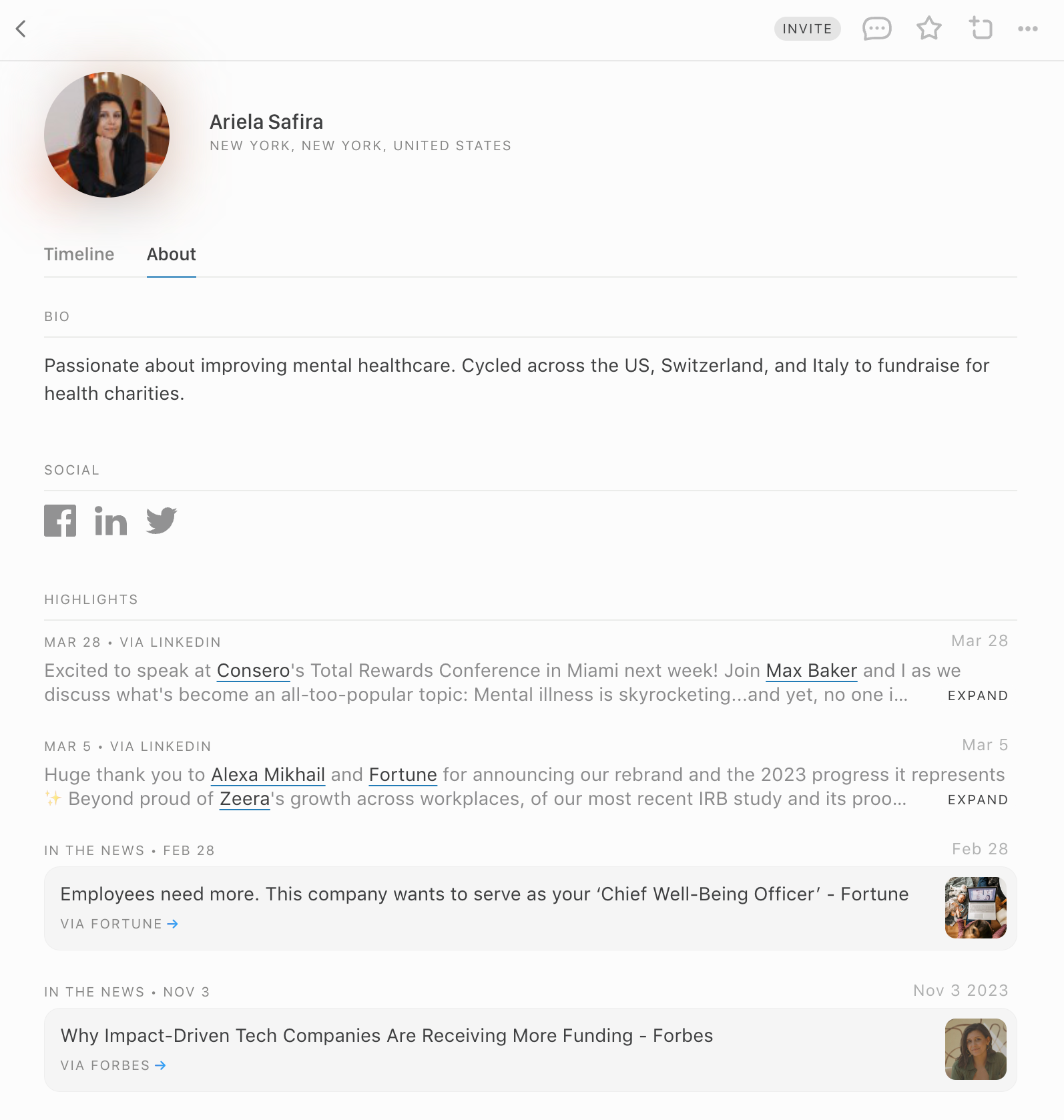
πŸ–οΈ Improved Profile Highlights

We've also improved the Highlights section on each individual profile. Highlights now include social posts from Twitter and Linkedin, job changes, news articles, and more β€” perfect for getting up to speed before a meeting.

✨ Fixes & Improvements

  • πŸ–₯️ Updates to groups (adding and removing contacts) are no longer blocking operations, making the UX much snappier
  • πŸ–₯️ Improved status messaging for Integrations
  • πŸ–₯️ Better handling of multi-stroke Korean, Chinese, and Japanese characters in form inputs
  • πŸ–₯️ Unstarring of contacts now works as expected
  • πŸ–₯️ Sorting in the Starred group now works as expected
  • πŸ“± Added reminders and social updates to Home widgets
  • πŸ“± Improved the loading state of the Add to Group view
  • πŸ“± Improved cache removal when deleting an integration


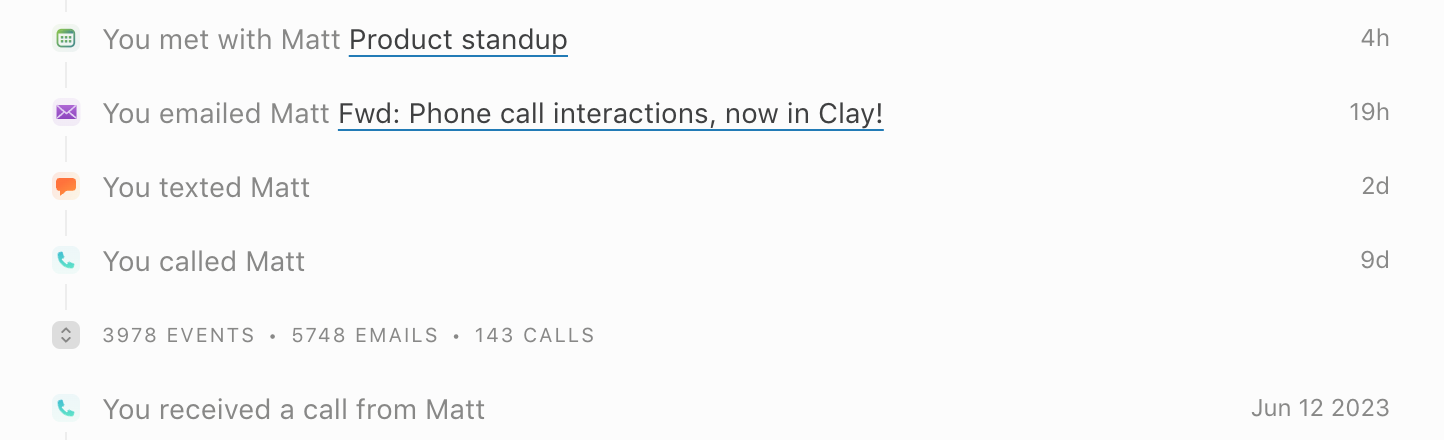
Phone call interactions, now in Clay

We're excited to announce support for phone call logging in Clay, a first-of-its-kind integration that helps you remember when you've spoken with someone.

Over time, we've heard from many Clay members for whom phone calls are a big missing piece of their timeline. Whether you're a real estate agent making calls on the go, an investor dialing colleagues, or just a thoughtful friend wishing someone happy birthday, phone calls are an important signal for the strength of relationships.

Starting today, you can add our Phone Call integration using the Clay Mac app, similar to the existing iMessage integration. As you make calls on your iPhone, those calls will be synced to Clay and appear on a profile's timeline. Phone calls are also incorporated into scoring and Reconnect so you know who you've talked to and when you chatted. New people you dial (or who call you) will be added as profiles in Clay β€” and Clay will ignore people you don't have saved in Contacts, so those pesky spam calls aren't added.

For more information on the integration, you can visit our Library page.


New Home widgets, improved performance, and more

πŸ“± New Home Widgets

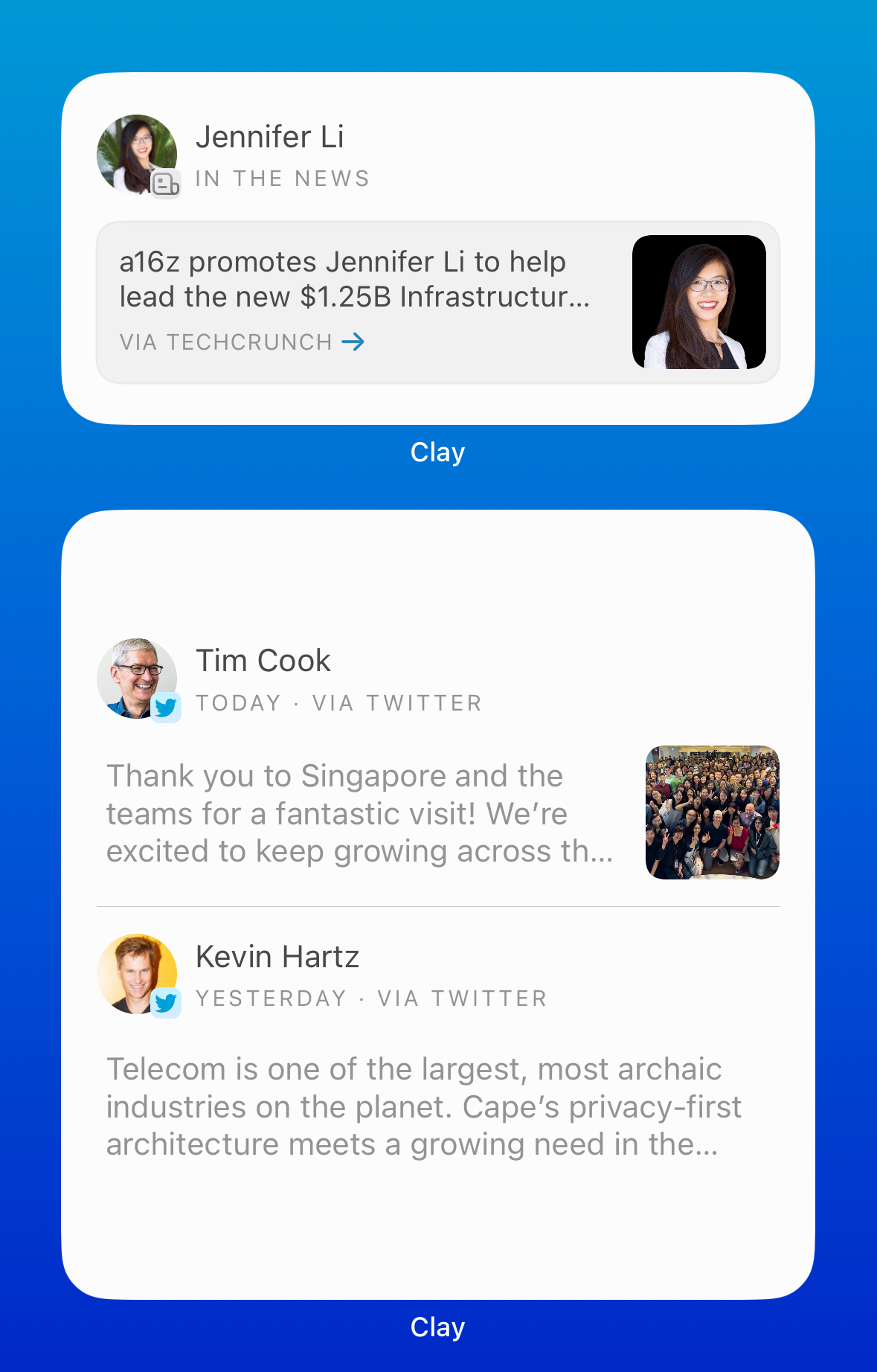
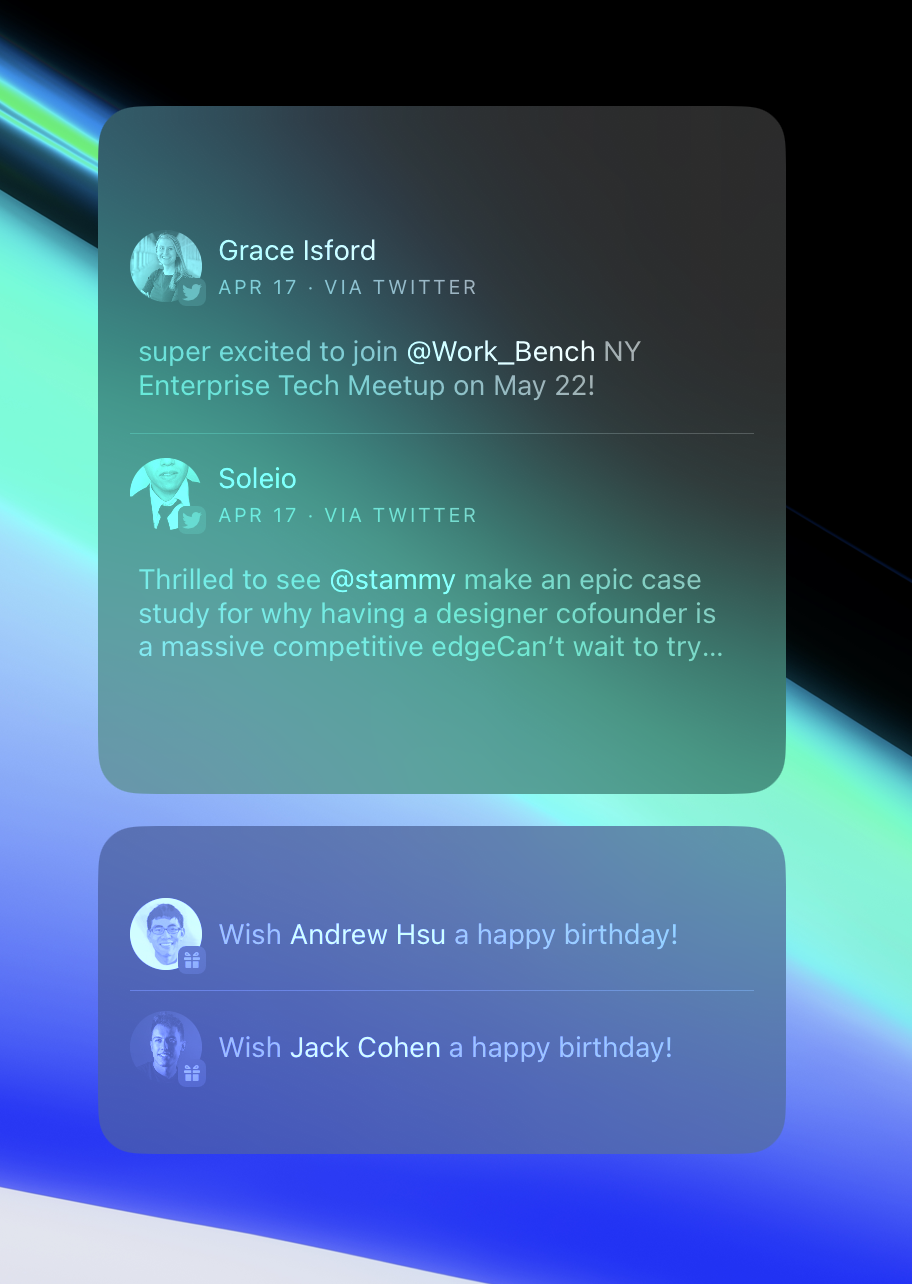
Many of you check Home daily for news and posts from your network. Now, it's even easier to see recent news at a glance.

Our new Home widgets allow you to see your upcoming meetings, news articles, birthdays, and other updates for the people you know.

And of course, the widgets work on macOS as well β€” and look beautiful on your desktop:

The new widgets are a great way to stay in touch with people each day! We've also refreshed all of our widgets to be more performant in the background and update more frequently. Update your iOS app to get them today.

✨ Fixes & Improvements

  • πŸ–₯️ You can now search for full Linkedin, Twitter, and Facebook profile links to find a person by contact information
  • πŸ–₯️ Handle bugs where integrations registered to the desktop app were still showing in the UI after integrations were disconnected in a different app environment
  • πŸ–₯️ UX is now further standardized between device integrations and email/calendar integrations
  • πŸ–₯️ Switch from "sign up" to "continue" on sign up buttons
  • πŸ–₯️ Remove Nexus "refresh" section from Settings


Say goodbye to duplicates

We're excited to announce our all-new duplicate resolver, which harmonizes your contacts behind the scenes with high precision and accuracy.

As we've rolled out new integrations, Clay members have more and more of their people centralized in Clay. While we've always deduplicated profiles behind the scenes, doing so with high confidence across the diverse profiles imported from places like Twitter, LinkedIn, Facebook, and iMessage required us to build an entirely new algorithm. After prototyping and testing different approaches, we're excited to leverage the latest in AI research to find duplicates more reliably and choose the best information to merge when we do.

Starting today, you can opt in to our new duplicates resolver in Settings > General > Merging, and it's automatically enabled for new members. Clay will automatically merge any duplicates it finds, and will continue to merge them as new people are added.


Zappity ⚑️ Zap ⚑️ Zap ⚑️

We've now officially partnered with Zapier to make our integration live in the App Store, which means it's easier than ever to get started and add thousands of different apps to Clay!

We know many of you have been using our Zapier triggers in beta to add data to Clay from other apps. Here are some core workflows we’ve heard that folks rely on:

  • Create new contacts in Clay when rows or records are added to an Airtable database β€” great for using Airtable as a repository for forms, event attendees, etc.


  • Add new Fathom or Otter AI call summaries as Clay notes β€” once your call is done and the transcript is processed, a link to the transcript will be added as a note to the participants in Clay


  • Add new Notion notes to Clay β€” especially helpful when you have a Meeting Notes or CRM database in Notion already but want to make it fast and searchable


  • Sync Salesforce, Hubspot, or Affinity leads to Clay β€” update contacts in Clay with their latest pipeline stage


  • Import people in bulk from Google Sheets β€” the easiest way to get a list of people like event attendees, old address books, or exports from newsletter platforms like Substack or Mailchimp into Clay


  • Build custom integrations into your company's systems β€” fire a webhook from your internal software (e.g. when a new user is created) and Clay can create contacts for them. The possibilities are endless!

Many of you are already using Zapier recipes to automate your workflow, and those have been upgraded to this latest version. This is the first of many upgrades we have coming to have Clay power your most important workflows.


X Marks the Spot (Our Twitter Integration is Back!)

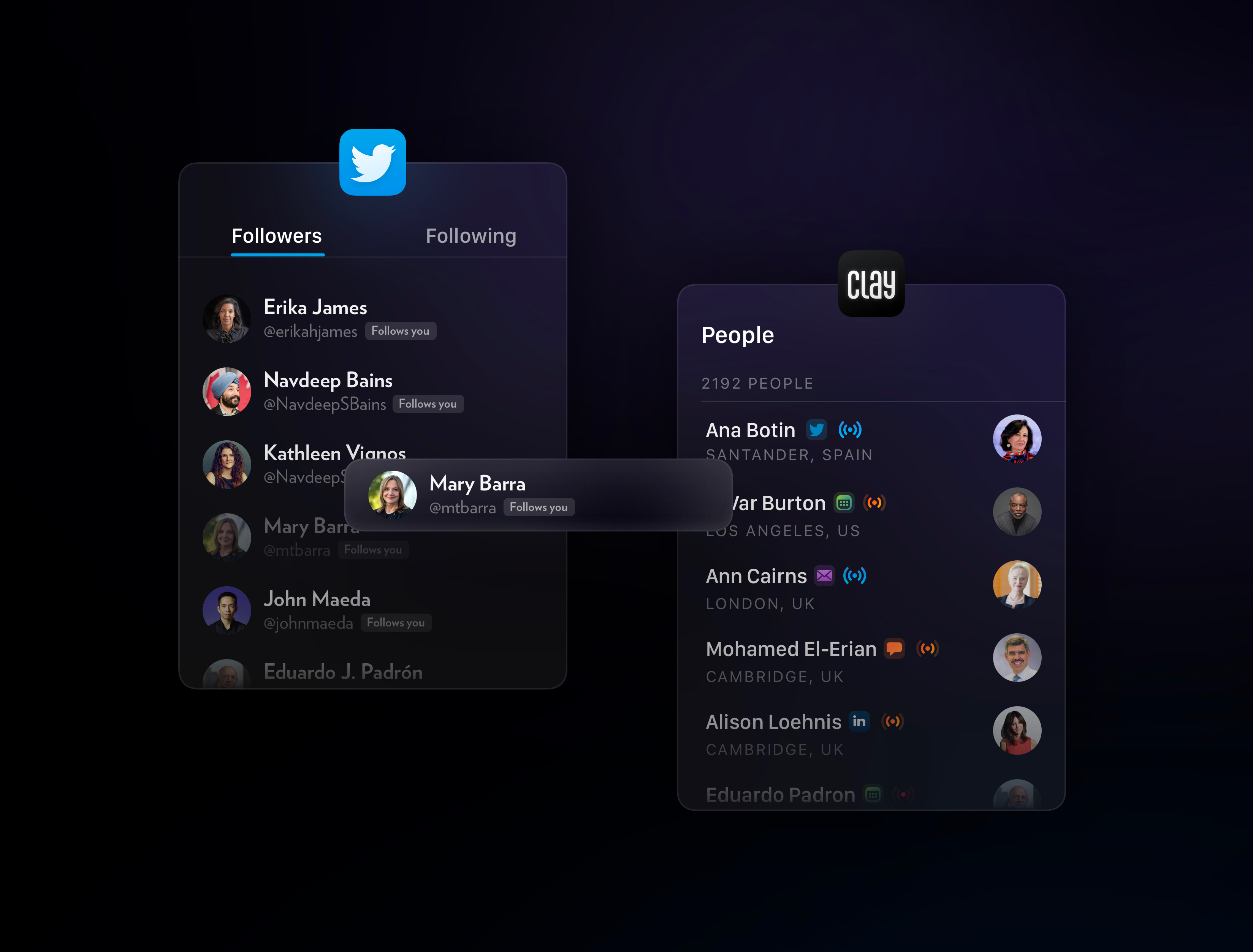
We're excited to announce our all-new Twitter (X?) integration, making Clay the most powerful way to search your Twitter audience and get curated updates from those who matter most to you.

You can connect your Twitter account and choose to import your followers, people you follow, mutual followers, or everyone. Clay will import those people, enrich them with information, and allow you to search your Twitter audience by anything you can dream up β€” location, bio, interests, and more.

You'll also now receive content that Clay identifies as high-signal and worth knowing about your network β€” job changes, announcements, etc.

And we've brought back one of our most popular features, profile changes, so you'll see when your Twitter friends change their bio, location, or website as well.

Clay is now officially the most powerful tool for searching and organizing your Twitter network. Find Twitter followers when you're traveling to a city, look for potential candidates in your audience, and more β€” all automatically. This powerful new Twitter integration is available across Mac, Windows, and iOS today.


Updated Clay GPT, 10x Faster Groups, Group Sorting, and more

πŸ”— Updated Clay GPT

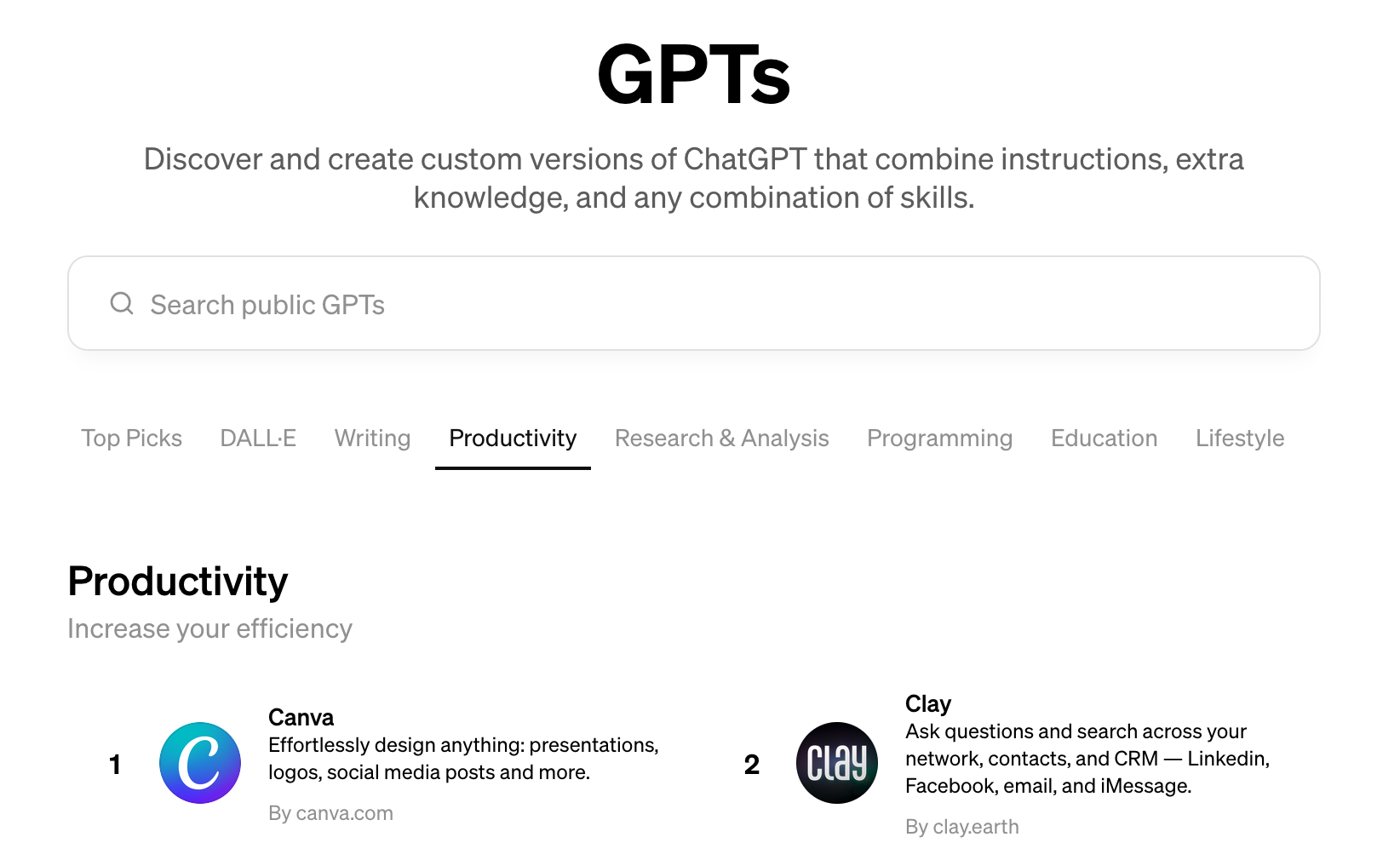
Clay's ChatGPT plugin has been updated and migrated over to OpenAI's new GPT library, which means you can now mention Clay in a conversation and have it respond with relationship data.

GPTs are available for all ChatGPT Plus subscribers. Just search for Clay in the GPT Store, or add it directly via this link.

⚑️ Faster Groups

Many of you have told us that you use Groups to organize your network, particularly on Teams. Now, Groups load 10-20x faster than before, even with thousands of people in a Group. These new and improved Groups are live across iOS, Mac, Windows, and web.

πŸ—‚οΈ Group Sorting

We've added sorting options to Groups so you can easily organize and see a list of people in each group. You can sort by name, recency, and more.

✨ Fixes & Improvements

  • πŸ–₯οΈπŸ“± Show contact count in People and Archive views
  • πŸ–₯️ Add a tour step to introduce the Profile icon
  • πŸ–₯️ Show the matched hashtags when searching for a hashtag
  • πŸ–₯️ Fix issues with showing a contact-level list of action icons on an import row where there were actually >1 contacts associated with the import
  • πŸ–₯️ Fix keyboard shortcuts for contacts displayed in Home
  • πŸ–₯️ Fix bug where contact Timelines wouldn't start on the correct date
  • πŸ–₯️ Fix for Timelines on merged contacts
  • πŸ–₯️ Fixed merge latency issues within the Home view
  • πŸ–₯️ Show up-to-date reminder content when displaying reminders in the Home view sidebar
  • πŸ–₯️ Improvements for displaying merged and archived contacts across the app
  • πŸ–₯️ Fix the "Delete Reminder" popup when hovering over a Reminder
  • πŸ–₯️ Fix year parsing when adding reminders in Notes
  • πŸ“± Update the Home filter icons
  • πŸ“± Improve integration re-sync
  • πŸ“± Update the LinkedIn informational screen
  • πŸ“± Improve how local integrations are managed to make them more reliable
  • πŸ–₯️ Clarify the explanation for Reconnect settings in the Settings > Home panel
  • πŸ–₯️ Clarify Reconnect settings copy
  • πŸ–₯️ Add Settings -> Profile panel to better organize settings and account details
  • πŸ–₯️ Fix automatic signin flow when coming from an email marketing signup
  • πŸ–₯️ Remove the profile edit/view actions from the menu


Clay for Apple Vision Pro

Here at Clay, we always believe we need to be at the cutting edge of new platforms to deliver the best product experience possible.

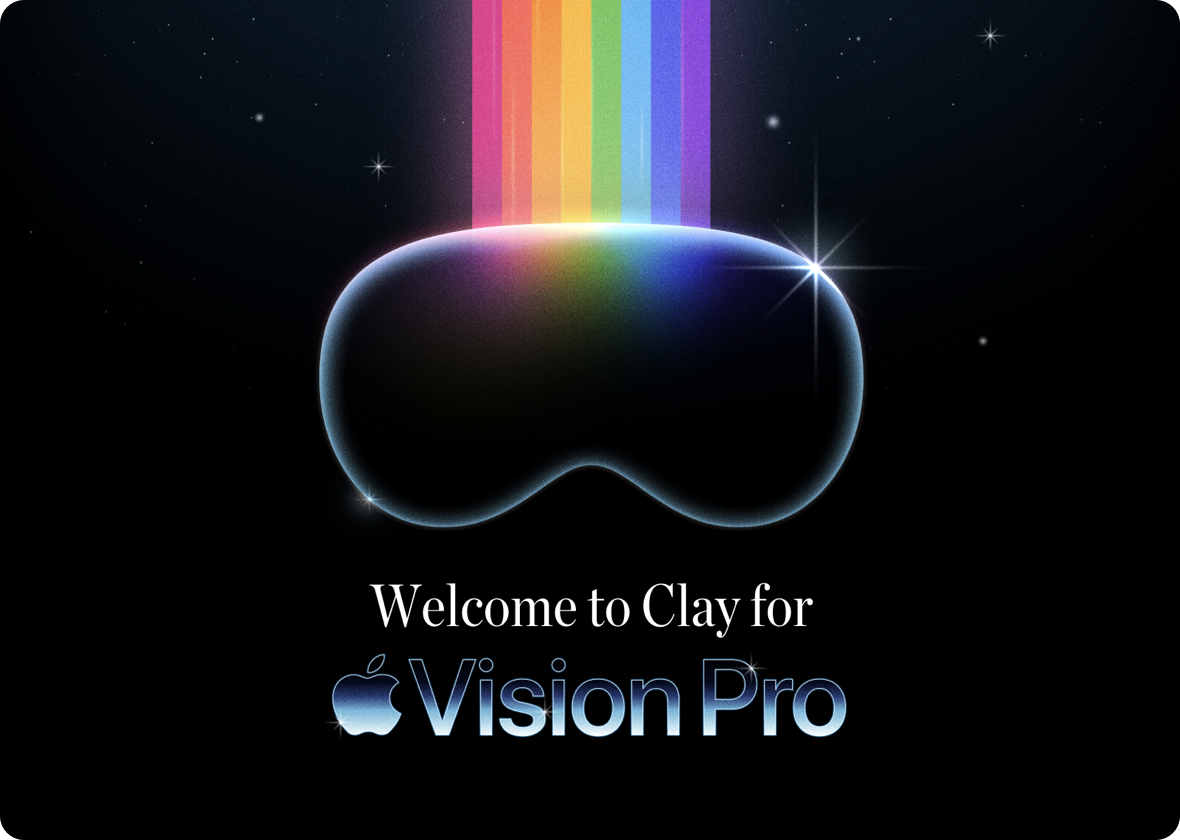
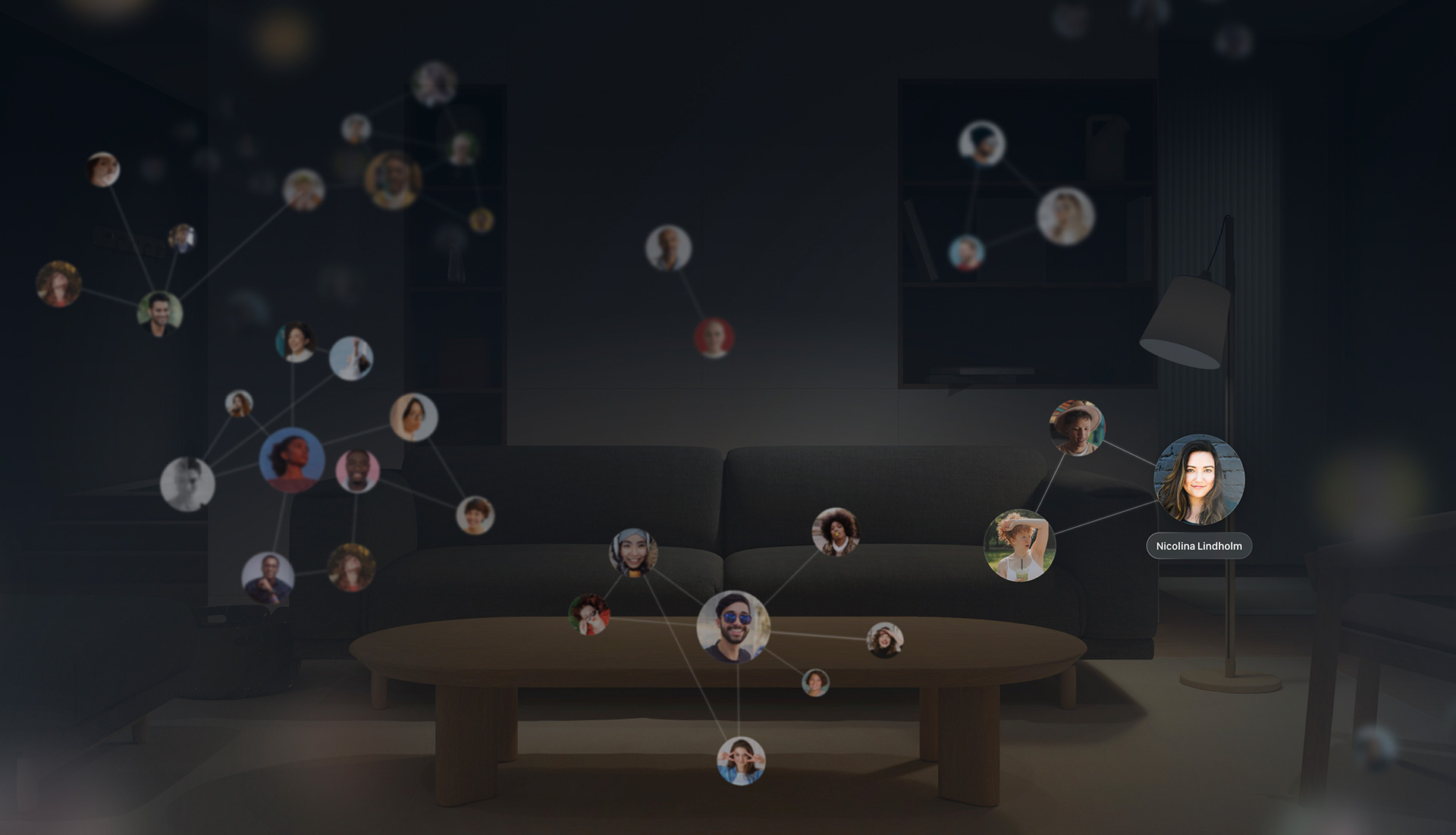
That said, we're excited to introduce Clay for Apple Vision Pro, which features the world's first immersive network visualization.

We got to work closely with the team at Apple on pre-release hardware in Cupertino to support a native Apple Vision Pro experience. With the power of spatial computing, you can browse, explore, and interact with the people in your life like never before.

We know not everyone will have access to Vision Pro, but the core technology we've developed will be coming to iOS, macOS, and even iPadOS soon.


New Weekly Digest

πŸ“¬ All-new Weekly Digest

We've redesigned our Weekly Digest to be even more informative. For those of you who plan your week on Sundays, you'll receive a summary of your upcoming meetings for the week as well as birthdays and reminders that are coming up this week. You'll also get a recap of the previous week, including any top news, Reconnect, and other updates you may have missed.

↔️ Collapsible sidebar

You can now show and hide the sidebar on desktop to get more screen real estate! Perfect for those of you who primarily navigate via keyboard shortcuts.


Network Strength for Teams and Individuals

πŸ“Ά Network Strength

Clay has always calculated network strength across your relationships, using that information to rank stories in Home and Search. Now, we've introduced an easy way to view that information at a glance.

Introducing Network Strength, which shows the strength of your relationship with a given person relative to your other relationships. It's entirely personalized to you and leverages all of your moments from all of your accounts to understand whether you're losing touch with someone.

Network strength indicators appear on a contact's profile and also in Search so you can quickly see how well you know particular people as you browse.

Network Strength is even more powerful with Teams. On a profile, the Network Strength section shows every member of your team and how well they know a given contact. In Search, the signal bars appear inline and show you the person on your team who best knows that contact, so it's easy to see who on your team manages the relationship and who you should reach out to.

Network Strength is one of the many features we'll be rolling out to give more insight and personalization in Clay in the coming year.

✨ Fixes & Improvements

  • πŸ“± Added an account import status banner
  • πŸ–₯️ Show upgrade message in sidebar preview for restricted contacts
  • πŸ–₯️ Handle import timeline item rendering
  • πŸ–₯️ Handle failed `/billing/status` request by looking at user's product to determine if they need to input payment
  • πŸ–₯️ Cache contacts fetched from the `/activity` endpoint so they show up properly in sidebar
  • πŸ–₯️ New and improved themed icon for Contacts integration
  • πŸ“± Improved how the contact card is dismissed when archiving a person
  • πŸ“± Fixed an issue where a lot of text would break the compose note view
  • πŸ–₯️ Reduced gradient banding and blur artifacts for gradient backgrounds. We now use images and adjust underlying backgrounds from pure black where appropriate


Infinite Timeline History, Tag Search, and more

πŸ“œ Infinite Timeline History

You can now expand timelines to view your full history of interactions with someone! It's a magical way to revisit your relationship with a person.

Even better, when you're using Clay with a Team, you can see your interaction history across your team so you can better understand who on your team is interacting with someone.

πŸ”Ž Tag Search

You can now search for specific hashtags that you use in your Notes, making it easier for you to find particular people based on your meeting notes. On web and desktop, hashtags are also clickable so you can go directly to a search and view all people with that tag.

✨ Fixes & Improvements

  • πŸ“± Improved performance of showing Groups on a contact
  • πŸ–₯️ Improved mouse selection behavior in Search and Groups, so the currently selected row stays highlighted if you move your cursor towards the right sidebar
  • πŸ–₯️ Filter archvied contacts from Home view
  • πŸ–₯️ Only include timezone on API requests if it's present
  • πŸ–₯️ Adjust sidebar contact previews to try to prevent stray missing contact errors
  • πŸ–₯️ Fixed URL rendering in notes for URLs that contain hashtags
  • πŸ“± Fixed tapping on Reconnect avatars in Home view
  • πŸ“± Updated copy for new member activity items
  • πŸ–₯️ Standardized select menu behavior and styles


Supercharged Nexus, Notes View, Group Search, and more

Nexus Improvements

We've pushed a big new update with Nexus based on lots of feedback from you.

  1. Nexus should be 4-5x faster in answering most queries, and should return results in a few seconds.
  2. It should also much more reliably answer queries about your entire network, which previously could fail when presented with too much context.
  3. The Nexus experience in-app should be more consistent with our ChatGPT plugin experience so you can use Nexus within ChatGPT or within Clay, whichever you prefer.

We have more improvements coming, let us know what you think!

πŸ“ Notes View on Desktop

For those of you who take lots of active notes, the Notes view is now back as a setting in desktop and web. You can find it under Settings > General > Notes β€” it's off by default.

πŸ” Search for Groups

You may now search for contacts who belong to a particular group by using group:"group name" (without the quotation marks) making it easier to search within a group. You can also use group:none to find people who don't belong to a group.

This will allow you to much more easily organize your contacts within Clay, and is the beginning of new search and sorting options in Groups we'll be rolling out in the coming weeks.

✨ Fixes & Improvements

  • πŸ“±πŸ–₯️ Added account import banners for new users
  • πŸ“± Improved how contact cards are dismissed when archiving someone
  • πŸ“± Fixed an issue where lots of text would break the new note view
  • πŸ–₯️ Fixed various gradient blurring display bugs
  • πŸ–₯️ Show upgrade modal in the sidebar when hovering over locked contacts for Clay Personal members
  • πŸ–₯️ Fixed a bug when opening emails from the Timeline in Superhuman
  • πŸ–₯️ Give sized avatars a min-width to prevent squeezing


Introducing Clay 2.0: Collaborative Networking for Teams

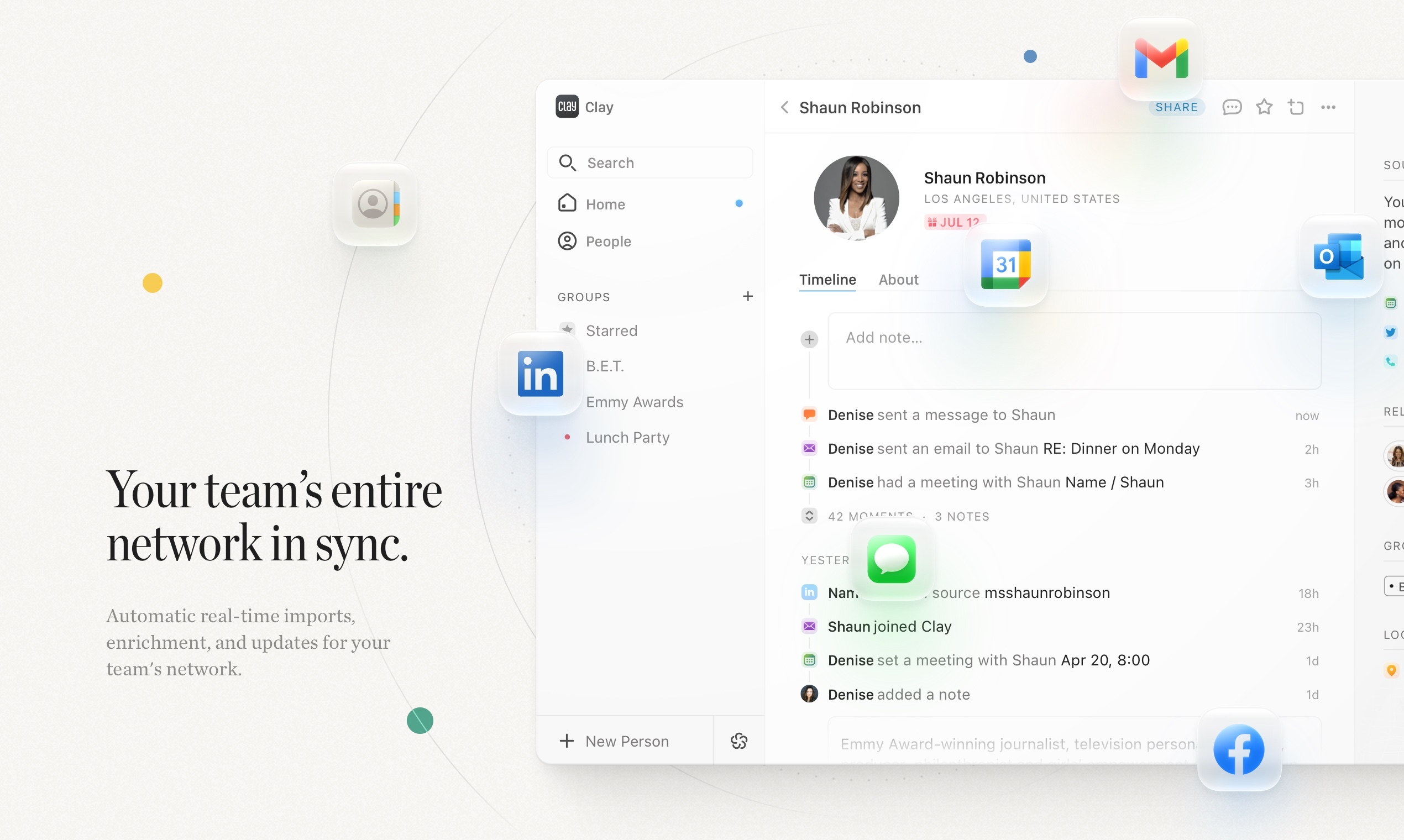
Today, after years of hard work, we have the pleasure of launching the newest version of Clay: a collaborative CRM to keep your team’s entire network in sync.Β We're live on Product Hunt and would love your support!

We started by talking with many teams who experience the pain and confusion of not understanding the relationships they have as an organization or team.

We took a first principles approach to solve the 3 main problems we experience managing relationships at work:

  1. Knowing how individuals are connected both internally and externally
  2. Having a central view of all the relationships of my team or company
  3. Managing and keeping those relationships up to date

Now you'll have a full picture of every single individual relationship as a team. See all the interactions anyone in your company has had with them. Search across this network with our blazing fast smart search. Ask any questions using our AI navigator, Nexus.

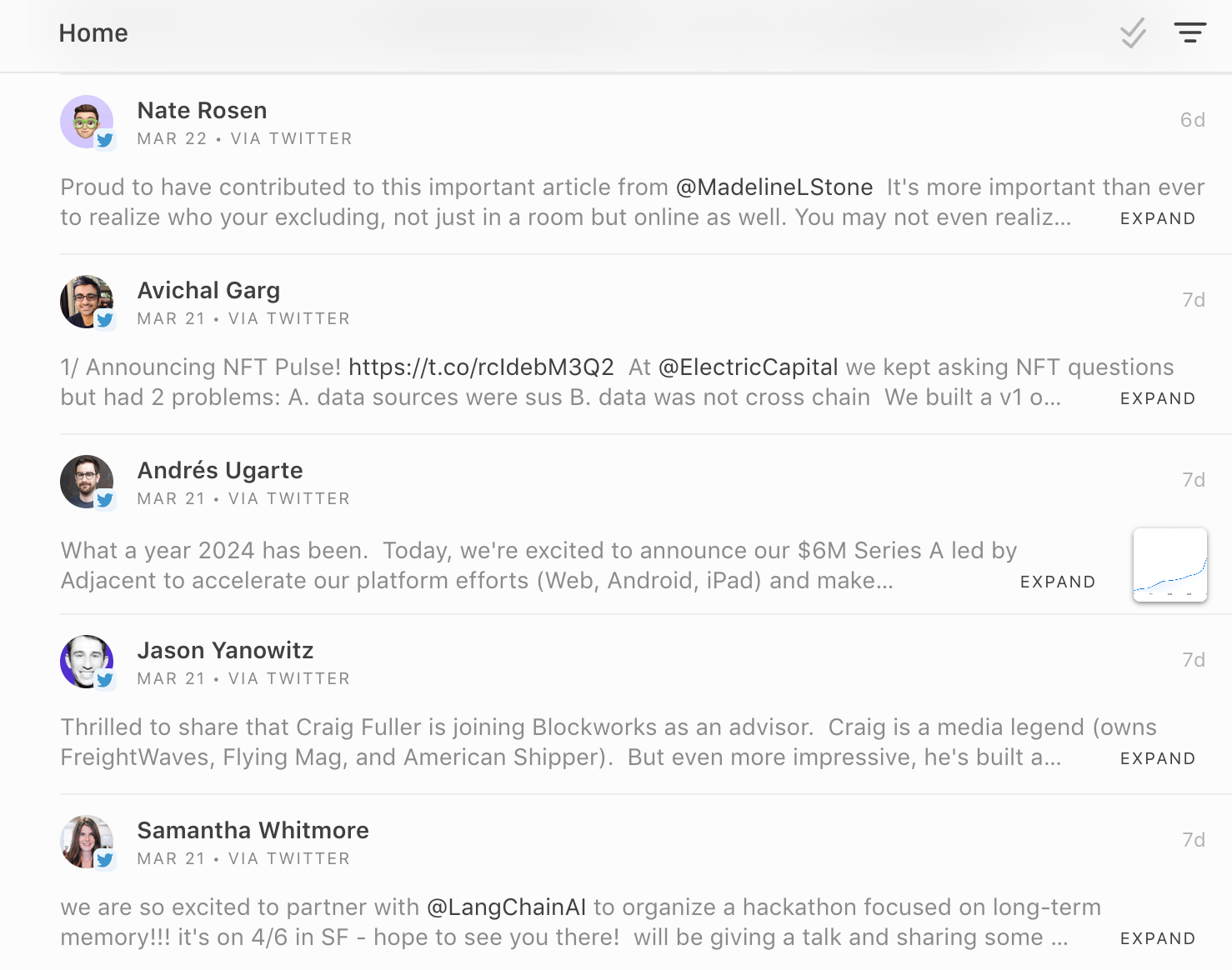
To navigate all of this information, we've combined our home and review pages into an extremely powerful new unified Home viewβ€”a command center for everything going on in your network.

Teams that have tried this latest release have told us they've closed more deals, found better candidates, and reduced their software budget overall.


There's no place like Home

Introducing a new, seamlessly customizable way to get updates about your entire network.

Over the past few months, we've interviewed hundreds of Clay members to better understand their workflows. Executives, teachers, real estate agents, journalists...the list goes on. We asked how they used Home and Review, how they customized notifications, and how they reconnected with people that Clay recommended. We then took that feedback to re-design and re-engineer Clay's Serendipity Engineβ„’ from the ground up.

All this work resulted in Clay's brand-new Home view.

Home now shows you all the people you need to think about each day. Specifically:

  • Your meetings for the day
  • Reconnect recommendations, for people you haven't chatted with recently
  • News mentions from over 50,000 global news sources
  • Birthday reminders
  • Reminders from your notes in Clay
  • New people added to Clay from one of your connected accounts

We've introduced filters by type, so you can see all updates of a particular type quickly. Updates are dismissable individually or in bulk, so you can triage and keep the view clean if you're an inbox zero type of Clay member. Or you can just browse the updates each day like a feed β€” it's up to you. Everything you could do in Home or Review is available in the new Home view.

We've done a ton of work behind the scenes to bring you these improvements. The new Home view is 4-6x faster than the old Review view, and is much more customizable β€” you can go to Settings to centrally manage all the updates and notifications you receive. Learn more atΒ our Library guide here.


Claim your Clay profile and handle

πŸ‘₯ Claim your Clay profile and handle

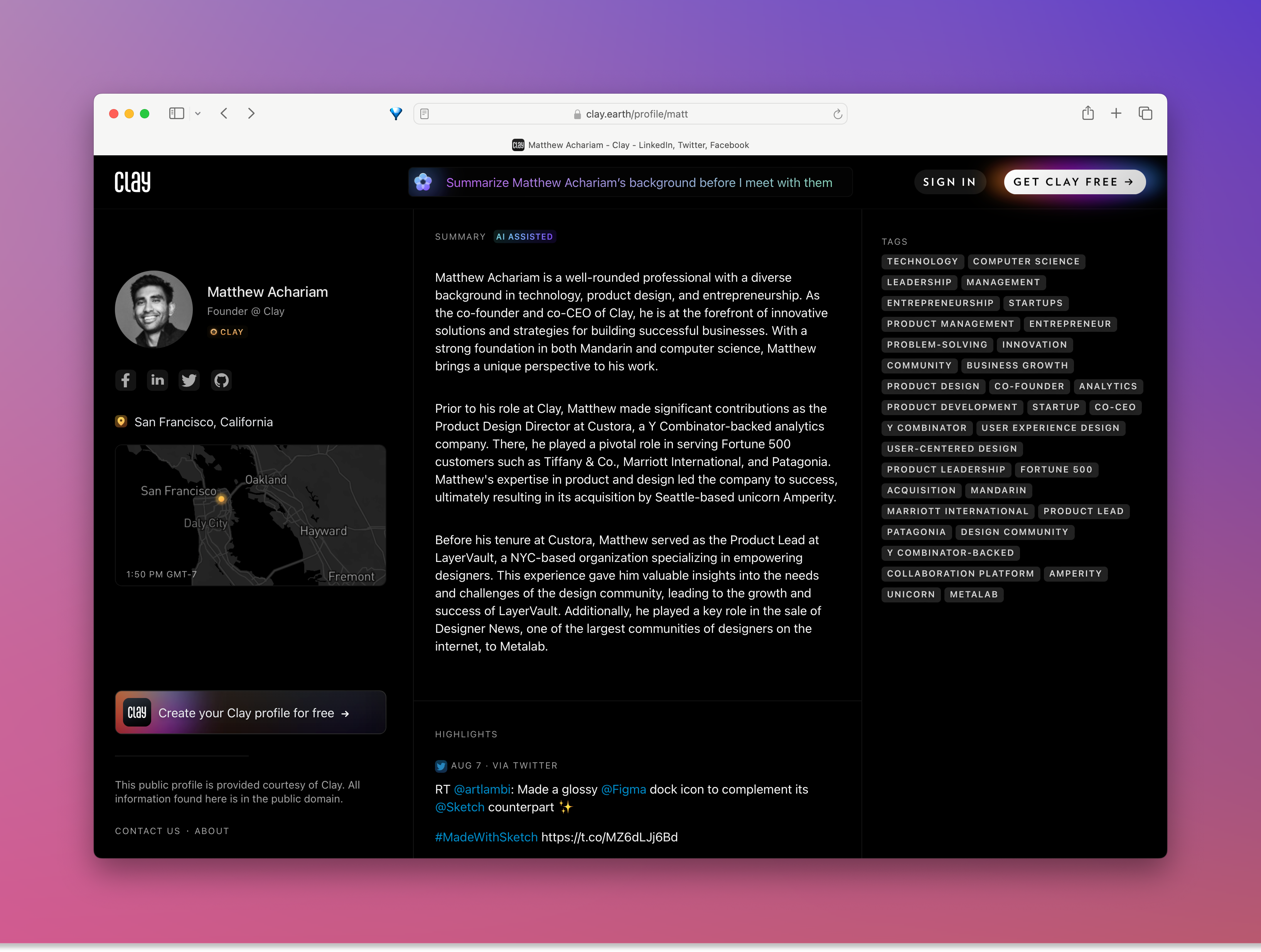
We're excited to introduce Clay profiles, which beautifully showcase your professional background as a public website.

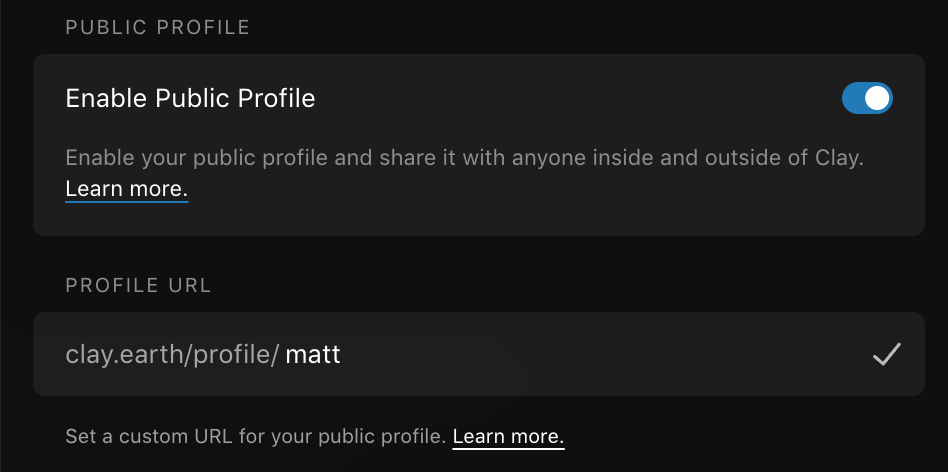
Clay profiles allow you to share your social links, bio, work history, and recent news with your network. And they're gorgeously presented at a Clay-hosted URL, with your own personalized handle and URL. Here's our co-founder Matt's profile as an example.

You can preview your profile or change its URL by going to Settings and clicking on your name in the top left. You can also edit the information presented on your profile by tapping the Clay menu in the top right of the app and selecting "Edit Profile". And as always, you can disable your profile in Settings as well.

Clay profiles are a great addition to your personal site, Twitter/Linkedin profile, or email footer! Give it a try today.

✨ Fixes and Improvements

  • πŸ’» Timeline in contact sidebar preview
  • πŸ’»πŸ“± Logout now available during onboarding
  • πŸ“± Fixed iCloud calendar sync on iOS 17
  • πŸ“± Fixed the message banner on the latest iPhones


Faster outreach, improved search and sorting, and more

πŸ’¬ Faster outreach options

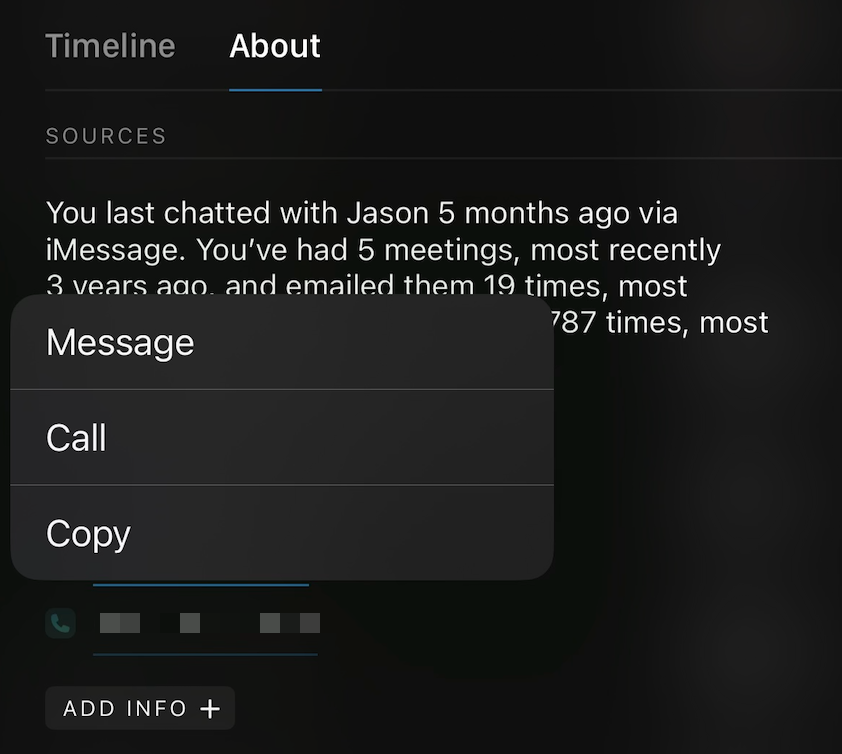
We've rolled out a few improvements in response to your feedback while using Clay. On desktop and web, you can now choose whether to text or call phone numbers. Clay will automatically open your default app (iMessage or Facetime on a Mac, system defaults on Windows and web) so you can reach out in one-click.

When clicking on a source in the right sidebar, you'll get text and call options as well.

And on iOS, you can click a source to call, text, email, or copy it.

πŸ”Ž Improved searching and sorting

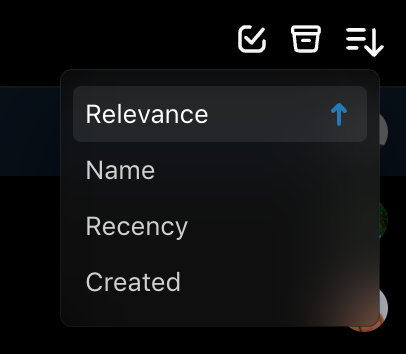
Another small but frequently-requested improvement β€” you can now sort by both first and last name, and you can sort all options (Relevance, First Name, Last Name, Recency, and Created) in both ascending and descending order.
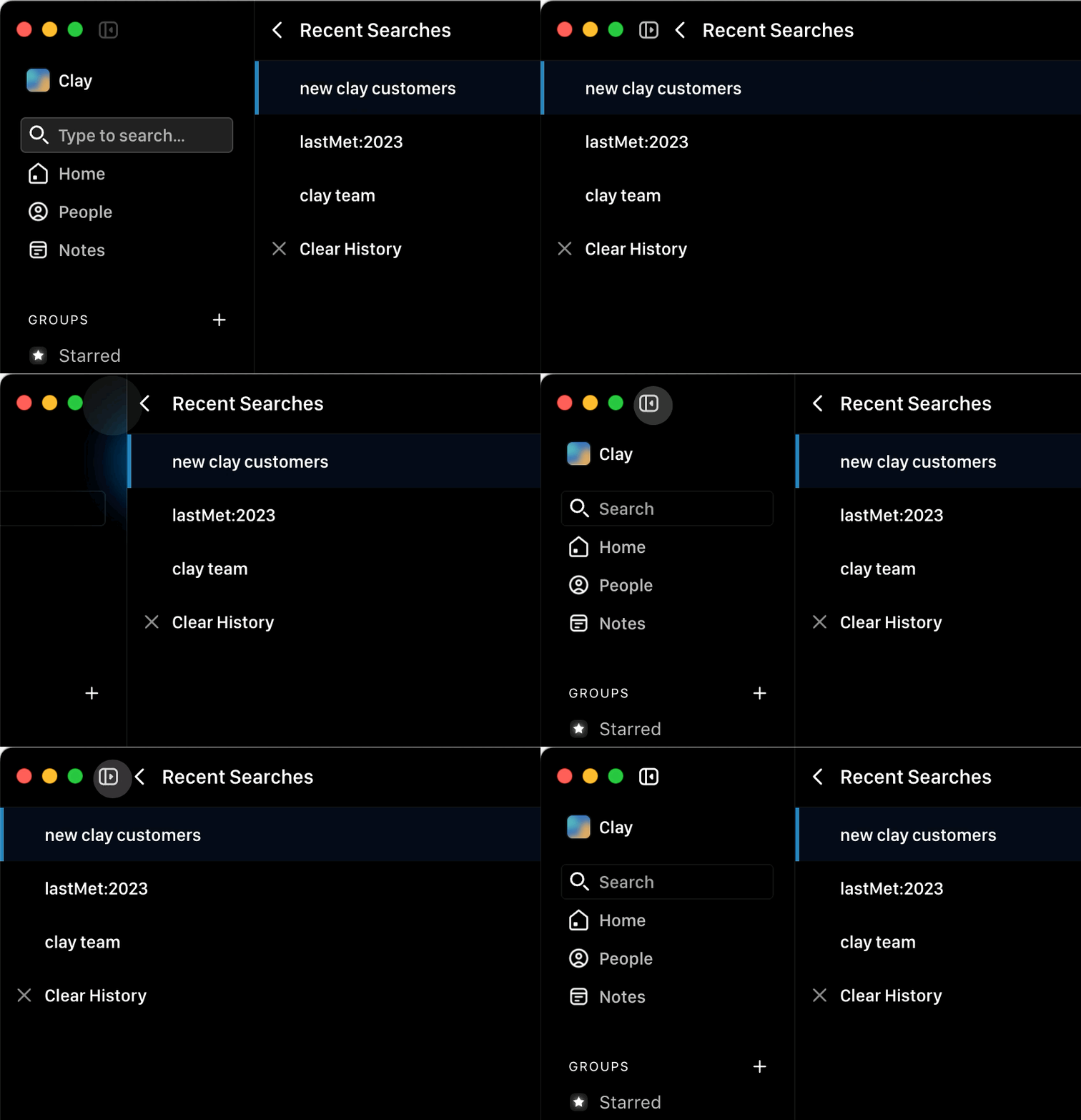
And in search, you can now use lastMet to search for people by interaction date. For example, searching for lastMet:2018 will search for people you last interacted with in 2018, and lastMet:<2018 will search for people you last talked to before 2018. This is particularly useful if you want to organize and clean up old contacts.

✨ Fixes and Improvements

  • πŸ“± Fixed app navigation on iOS 17
  • πŸ“± Fixed group selection in the People widget
  • πŸ“± Fixed widgets layouts on iOS 17
  • πŸ“± Fixed Restore Purchases flow in paywall and subscription screens
  • πŸ“± Fixed the app menu not updating after unlocking Pro
  • πŸ“± Fixed the reminder picker not showing up in the note edit view
  • πŸ’» Fixed stacking issue in contact sidebar display
  • πŸ’» Fixed scrolling issues in sidebar navigation in desktop app
  • πŸ’» Fixed stacking context issue between Timeline filter and profile view header menus


Introducing Timeline

πŸ•°οΈ Introducing Timeline

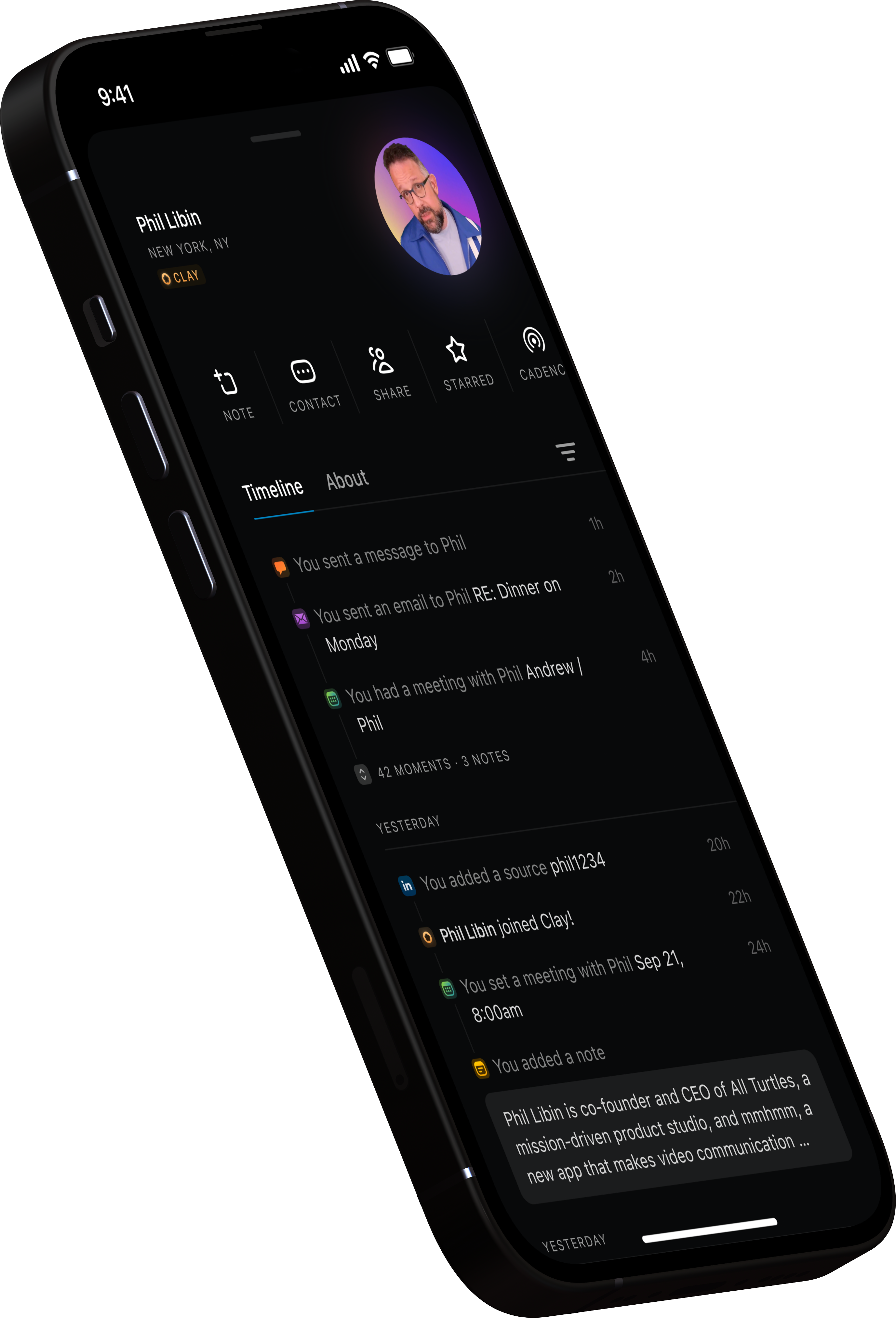
We're excited to introduce you to Timeline, a seamless way to view your relationship with someone over time.

Timeline brings together Moments β€” your first, last, and upcoming calendar events, emails, and text messages β€”Β with your notes about a person. It's all the context you need when revisiting someone's profile, beautifully presented and readable at-a-glance.

Quickly take a note using the "N" keyboard shortcut, switch to the About tab using "A", and switch back to Timeline using "T".

Timeline is the first of a few changes we're making to Clay this fall in response to your feedback, and is live across desktop, web, and iOS.

Β 

✨ Fixes and Improvements

  • πŸ’» Groups are now displayed in the profile sidebar for better scanability
  • πŸ“± Some glossy new app icons!
  • πŸ“± Fixes for Apple Contacts syncing
  • πŸ“± Various iOS 17 fixes (more on the way)
  • πŸ“±πŸ’» Improved handling of token expiration that occasionally triggered logouts


Introducing Similar Profiles and an improved Sort function

Hope you're having a great week! Read on below to see what's new in Clay.

πŸ†• New in this release


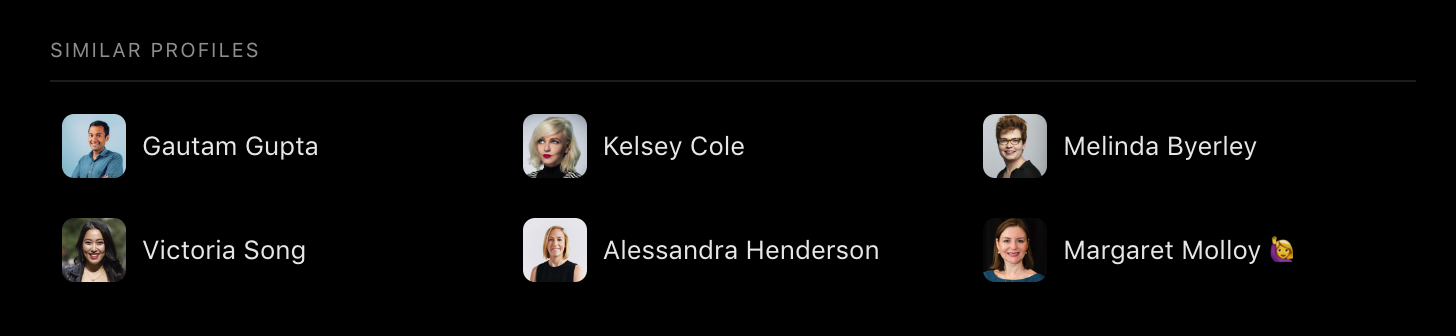
πŸ‘―β€β™‚οΈ Introducing Similar Profiles

Now you can easily view similar profiles directly from a contact's card in Clay!

Whether you're looking for friends to invite to a reunion, candidates to suggest to a new role, or investors for your next big project, Clay helps you easily find the right person.


↕️ Improved Sorting for People View

We've improved the functionality of our Sort within the People view! You can now choose to sort your contacts by Relevance, Name, Recency, or Created, to help you view your people in a way that works for you! Click once to choose the way you'd like your contacts sorted, and a second time to reverse the order.

This is live on web and desktop, so check it out and see who you find!

✨ Fixes and Improvements


  • πŸ–₯️ πŸ“± Added a help link to login view.
  • πŸ–₯️ Added an icon to indicate direction of sort in UI.
  • πŸ–₯️ Improved UX in "Add to Group" and contact merge modals.
  • πŸ–₯️ Improved UX in Reconnect modal.
  • πŸ–₯️ Now allow canceling "select all" when it requires fetching additional pages of results.
  • πŸ–₯️ Pushed a fix to stop double render when app mounts.
  • πŸ–₯️ Now always show sign in login view when user clicks "sign in" on marketing site.
  • πŸ–₯️ Made entire Nexus button clickable on desktop app.
  • πŸ–₯️ Will now handle all first navigation events properly for a user session.
  • πŸ“± Added a similar profiles section to the contact card.
  • πŸ“± Improved how bio’s are displayed in the contact card.
  • πŸ“± Added an integration error alert.


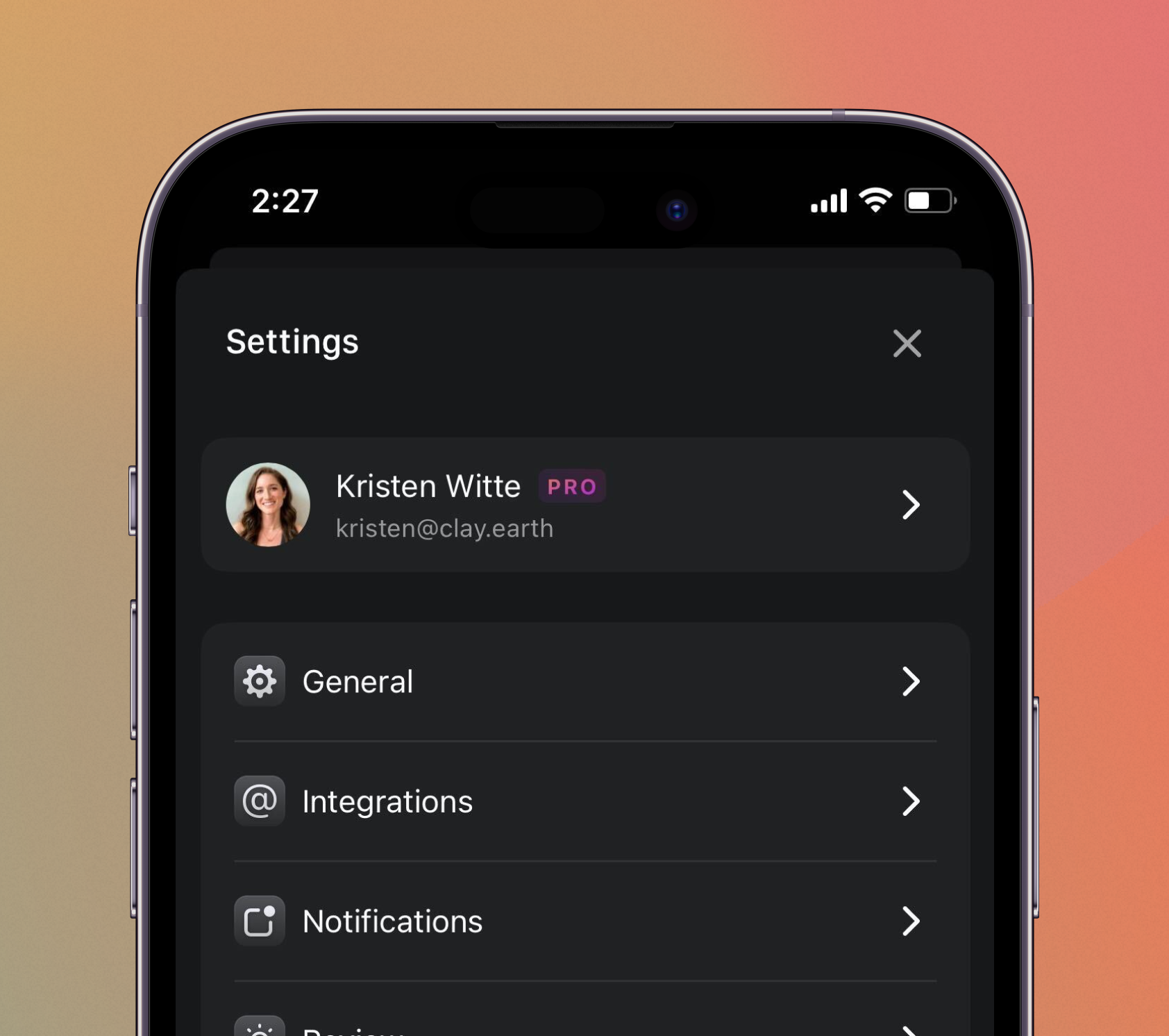
New Settings view on iOS, Command Bar improvements, and more!

Hope you're having a great week! Read on below to see what's new in Clay.

πŸ†• New in this release


βš™οΈ New Updated Settings View on iOS

We announced our new and improved settings view on web and desktop a few weeks ago, and now it's available through iOS, too!

To navigate to settings, click on the face icon in the upper right hand corner and then select "Settings". Check it out and let us know what you think!

✨ Fixes and Improvements


  • πŸ–₯️ Pushed improvement to immediately update the UI when contacts are archived.
  • πŸ–₯️ Refreshed UX in Command Bar and Add to Group modals. Users can now make a selection in the Groups modal without resetting the selection state. Starting selection state in these two modals is also now more consistent.
  • πŸ–₯️ Fixed issues with first navigation event from the main Udo menu or by using the Search input box.
  • πŸ–₯️ Now properly stores reconnect dates locally so that correct date is shown in the Home view.


Redesigned Settings, Affiliate Program, App Store Feature, and more!

Hope you're having a great week! Read on below to see what's new in Clay.

πŸ†• New in this release


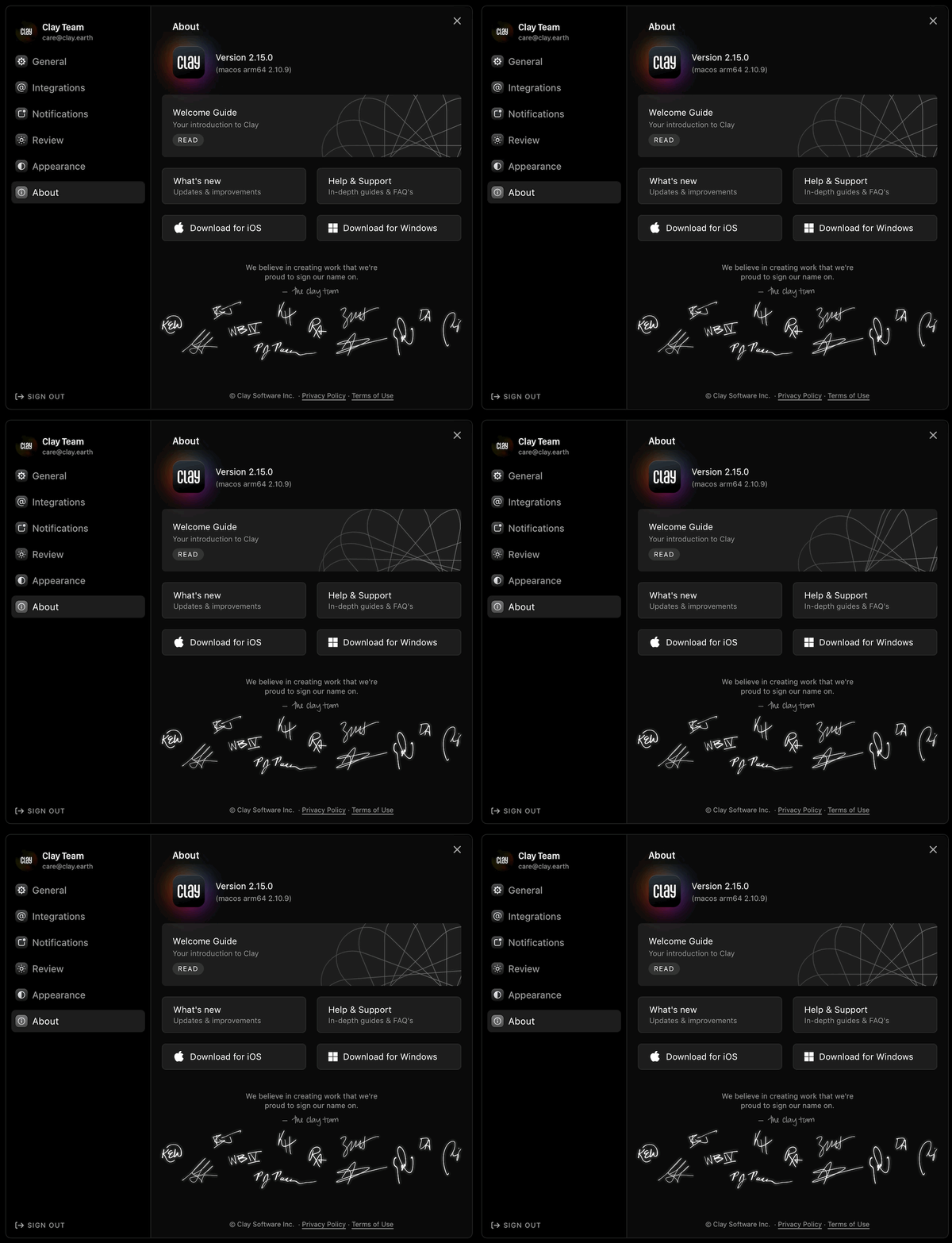
βš™οΈ New and Improved Settings View

Check out our new Settings view on desktop and web! The new Settings view beautifully organizes all the preferences you have in Clay, from integrations to notifications to themes. To navigate to Settings, click on the face icon in the upper right and then "Settings" from the menu. We'll be adding more preferences over the coming months as well.

🀝 Introducing Clay's Affiliate Program

We're excited to announce the launch of Clay's Affiliate Program! The program is designed to reward you for sharing Clay with your network. Everyone is welcome, whether you’re an influencer, small business consultant, founder, or just a big fan of Clay.

You’ll earn $50 for every subscriber who signs up via your custom link, with a generous 60 day cookie window.

We encourage you to share Clay however you best reach your network: YouTube, TikTok, blogging, Linkedin, and beyond! You canΒ find more details and get started here.


πŸ… Clay Named One of the Best CRM Apps!

Apple gave us the tremendous compliment of featuring us as one of the Best CRM Apps in the App Store, alongside apps like Salesforce and Hubspot. Most importantly, thank YOU for your continued support!

✨ Fixes and Improvements

  • πŸ–₯οΈπŸ“± Improved deliverability of login emails
  • πŸ–₯️ Immediately remove upgrade banner when user upgrades
  • πŸ–₯️ Fixed iMessage integration sync state UI
  • πŸ–₯️ Fixed display of "PRO" badge in Safari
  • πŸ–₯️ Fixed display of globally shared contact profiles when a user is logged out
  • πŸ–₯️ Improved handling of long names in Welcome Guide "Home" display
  • πŸ–₯️ Adjusted Modal background blur, shadow, and overlay
  • πŸ–₯️ Optimized Moments statistics calculation (you'll need to restart your app to update)


Have questions or comments?

Contact us